What Is OpenSquilla?
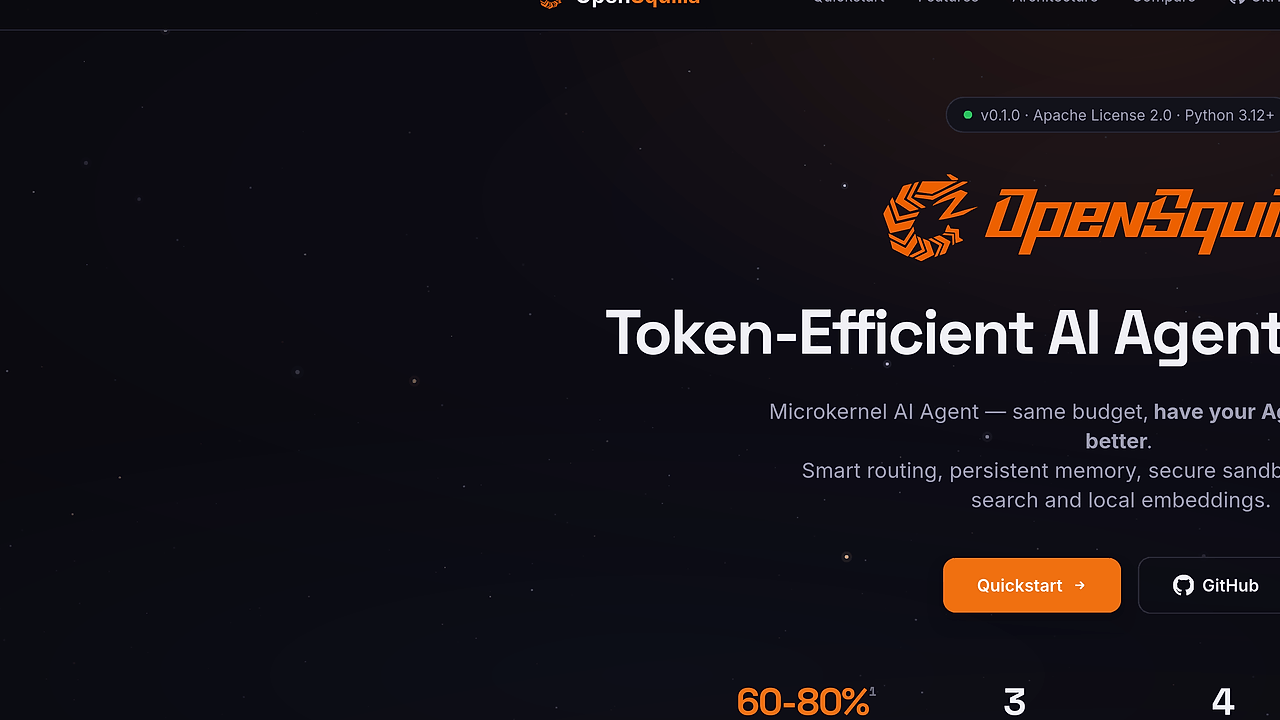
OpenSquilla is an open-source AI agent framework from the OpenSquilla project on GitHub that runs a token-efficient microkernel agent with smart routing, persistent memory, a secure sandbox, built-in web search, and local embeddings for developers, indie hackers, and CTOs; it connects to roughly twenty LLM providers without code changes. OpenSquilla is one of the best AI Agent Frameworks tools for developers, indie hackers, and CTOs. The architecture centers on a shared TurnRunner, so the Web UI, CLI, and chat channels all execute the same model loop instead of diverging into separate code paths.
The practical value is simple: one install covers local workflows, provider switching, and channel-specific input without forcing you into a single vendor or a browser-only product. If you are evaluating an OpenSquilla tutorial or asking how to use OpenSquilla in a real stack, the key detail is that the project is opinionated about orchestration but not about model lock-in.
Quick Overview
| Attribute | Details |
|---|---|
| Type | AI Agent Frameworks |
| Best For | developers, indie hackers, and CTOs |
| Language/Stack | Python 3.12+, uv, Git LFS, local embeddings, multi-provider LLM routing |
| License | Apache 2.0 |
| GitHub Stars | N/A |
| Pricing | Open-Source |
| Last Release | N/A |
OpenSquilla sits in the category where local control matters more than a hosted UX. The preview release packages are the recommended public distribution channel right now, and the stable 0.1.0 release is still referenced as future state in the docs, which means the project is moving but not pretending to be done.
Who Should Use OpenSquilla?
- Solo indie hackers building an internal agent or lightweight product who need provider flexibility without stitching together five separate SDKs.
- Platform teams that want one shared runtime for web, CLI, and chat-based workflows instead of maintaining channel-specific forks.
- CTOs and engineering leads who care about local gateways, controlled onboarding, and a predictable install path for non-expert users.
- Automation-heavy developers who want a local agent with memory, web search, and sandboxing instead of a thin prompt wrapper.
Not ideal for:
- Teams that want a pure SaaS experience with zero local installation or filesystem access.
- Projects that only need a single-provider chat UI and do not benefit from routing, memory, or sandboxing.
- Environments where Git LFS, Python 3.12+, or a local install flow is blocked by policy.
Key Features of OpenSquilla
- Shared
TurnRunnerexecution model — Web UI, CLI, and chat channels all pass through the same turn pipeline. That reduces drift between interfaces and makes debugging much easier than maintaining separate agent handlers. - Multi-provider adapter layer — OpenSquilla talks to OpenRouter, OpenAI, Anthropic, Ollama, DeepSeek, Gemini, Qwen/DashScope, and about twenty other providers without changing your code or config schema. That is the main reason it works as a vendor-neutral runtime.
- Persistent memory — The agent keeps state across turns instead of treating each request as isolated. That matters when you need multi-step task continuity, tool recall, or long-running workflows that span several prompts.
- Secure sandbox — The runtime isolates execution paths so tool use does not become a free-for-all shell. That is a concrete advantage if you plan to expose the agent to non-technical users or internal teams.
- Built-in web search — Search is part of the model loop rather than a separate integration project. That lowers friction for research-heavy tasks and keeps retrieval behavior closer to the core agent contract.
- Local embeddings — OpenSquilla can run embeddings locally, which helps with privacy-sensitive data and cuts dependence on external embedding APIs. For teams handling internal docs, that is a meaningful operational simplification.
- Local gateway and onboarding flow — The preview package and source install both route through a local gateway, and the onboarding wizard can write an OpenRouter env-reference config automatically. The default control UI at
http://127.0.0.1:18790/control/makes the app feel like a local product instead of a loose set of scripts.
OpenSquilla vs Alternatives
| Tool | Best For | Key Differentiator | Pricing |
|---|---|---|---|
| OpenSquilla | Local multi-provider agent workflows | Shared TurnRunner, persistent memory, sandbox, and provider abstraction in one runtime | Open-Source |
| OpenSwarm | Multi-agent orchestration | Better fit when you want swarm-style coordination rather than a single local agent loop | Open-Source |
| Claude Code Canvas | Claude-centric developer workflows | Narrower, coding-oriented interface for teams already committed to Claude | Open-Source |
| OpenTrace | Tracing and debugging agent runs | Focuses on visibility and inspection instead of execution and routing | Open-Source |
Pick OpenSwarm when coordination between multiple agents is the main requirement. OpenSquilla is better when you want one disciplined runtime that runs locally and stays provider-agnostic.
Pick Claude Code Canvas when your team wants a Claude-first workflow rather than a provider-switching platform. That choice makes sense if you care more about the editing surface than the execution substrate.
Pick OpenTrace when you already have an agent workflow and need trace-level inspection of prompts, tool calls, and turn boundaries. OpenSquilla handles execution; OpenTrace helps you see what happened after the fact.
How OpenSquilla Works
OpenSquilla uses a microkernel design: the core loop stays small, and capabilities such as provider routing, memory, sandboxing, search, and channel adapters hang off that core as pluggable pieces. That is why the docs emphasize one shared TurnRunner and one provider layer; the runtime is designed to keep behavior consistent whether you launch it from the Web UI, a terminal, or a chat channel.
The provider layer is the other important abstraction. OpenSquilla can speak to OpenRouter, OpenAI, Anthropic, Ollama, Gemini, Qwen/DashScope, DeepSeek, and others because the schema stays stable while the backend adapter changes, which is exactly what you want if you maintain mixed model access across teams or environments.
A typical first-run path looks like this:
git clone https://github.com/opensquilla/opensquilla.git
cd opensquilla
git lfs pull --include="src/opensquilla/squilla_router/models/**"
bash install.sh
opensquilla onboard --provider openrouter --api-key-env OPENROUTER_API_KEY
That flow clones the repo, fetches the LFS-managed router assets, installs the user-local command, and launches the onboarding path with a provider choice. If OPENROUTER_API_KEY is already set, OpenSquilla can write an env-reference config and skip the key-paste step, which is a nice touch for automation and repeatable setup.
Pros and Cons of OpenSquilla
Pros:
- Vendor-neutral provider support — switching between OpenRouter, OpenAI, Anthropic, Ollama, and other backends does not require a rewrite.
- Single execution path — the same
TurnRunnercovers Web UI, CLI, and chat channels, which reduces behavioral drift. - Local-first deployment — the gateway and onboarding flow run on your machine, so you can test the agent without shipping traffic to a hosted dashboard.
- Useful built-ins — memory, sandboxing, web search, and local embeddings are bundled instead of left as integration chores.
- Practical installer story — preview packages,
install.sh, andinstall.ps1give non-library users a real path to running the app.
Cons:
- Still early — the docs point to preview packages and a future stable
0.1.0, so teams should expect churn. - Install complexity — Git LFS,
uv, and Python 3.12+ add friction compared with a hosted SaaS app. - Local operations overhead — because OpenSquilla is local, your team owns updates, environment variables, and runtime troubleshooting.
- Not for minimalists — if you only need a thin chat wrapper around one model, the router and sandbox are more machinery than you need.
- Channel extras are optional — features like Feishu websocket support are install-time extras, so some workflows need extra setup.
Getting Started with OpenSquilla
The fastest way to start with OpenSquilla is to use the source install path, run the onboarding wizard, and point it at a provider. That gets you a working local agent without committing to a specific model vendor, which is the whole point of the project.
git clone https://github.com/opensquilla/opensquilla.git
cd opensquilla
bash install.sh
opensquilla onboard
After installation, opensquilla onboard prompts you to choose a provider and enter or reference an API key. Once that is done, OpenSquilla starts its local gateway and exposes the control surface in your browser, so you can test turns, providers, and workflows from the same machine.
If you want to automate setup, export the provider key before onboarding and let the launcher reference it. The docs also note that the portable Windows package can start without global installation, which is useful for demos, shared laptops, and quick validation on machines where you do not want a full dev toolchain.
Verdict
OpenSquilla is the strongest option for local, multi-provider AI agent workflows when you want one install to cover web, CLI, and chat channels. Its best strength is the shared TurnRunner plus provider abstraction, and its main caveat is that the project is still in preview-era packaging. If you want a serious local agent runtime, OpenSquilla is worth adopting now.