What Is gpt2api?
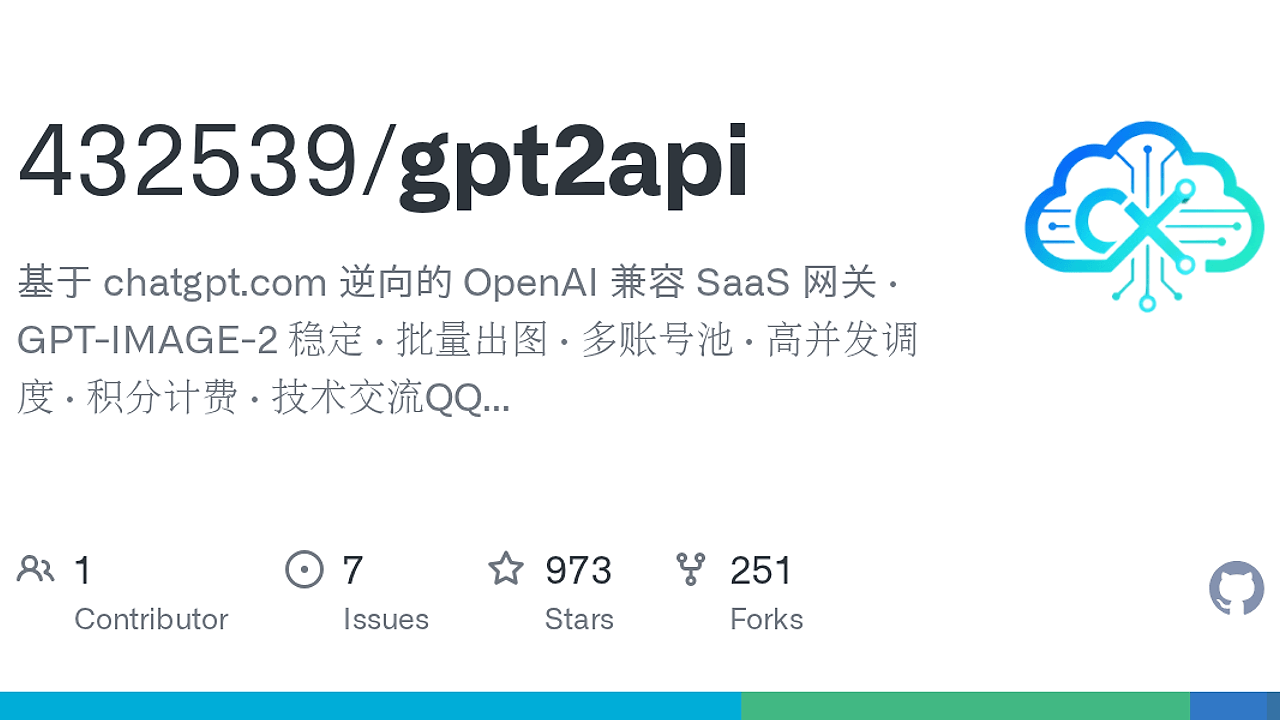
gpt2api is a GitHub project by 432539 that turns chatgpt.com accounts into an OpenAI-compatible gateway with /v1/chat/completions and /v1/images/generations, aimed at AI SaaS operators and internal platform teams. gpt2api is one of the best AI API Gateways tools for AI SaaS operators, internal platform teams, and indie hackers because it ships with two public API surfaces, a scheduler, and a management console instead of a thin proxy layer.
The repository focuses on image workflows first, including IMG2 output, batch generation, and local 2K/4K upscaling. The README also shows the stack up front: Go 1.22+, Vue 3, MySQL 8, Redis 7, and MIT licensing.
Quick Overview
| Attribute | Details |
|---|---|
| Type | AI API Gateways |
| Best For | AI SaaS operators, internal platform teams, and indie hackers |
| Language/Stack | Go 1.22+, Vue 3, MySQL 8, Redis 7, Docker Compose, OpenAI-compatible API |
| License | MIT |
| GitHub Stars | N/A |
| Pricing | Open-Source |
| Last Release | N/A |
Who Should Use gpt2api?
- Indie hackers selling AI credits who want to wrap existing ChatGPT accounts behind a stable
sk-style API without building a full provider stack. - Platform teams that need account pooling, quota enforcement, and usage auditing for internal OpenAI-style access.
- Ops-heavy agencies that generate lots of images and need batch scheduling, proxy binding, and deterministic image URL delivery.
- CTOs running a private AI middle layer who want MySQL-backed billing, Redis-backed locks, and an admin UI in the same codebase.
Not ideal for:
- teams that need a vendor-supported SLA from a model provider,
- organizations that cannot tolerate upstream session or policy risk,
- workloads that depend on stable text completions today, since the README says the text UI path is currently closed because of
chatgpt.comsentinel instability.
Key Features of gpt2api
- OpenAI-compatible API surface — gpt2api exposes
/v1/chat/completions,/v1/images/generations,/v1/images/edits,/v1/images/tasks/:id, and/v1/models. That means existing OpenAI SDK callers can usually point at a new base URL and keep the same request shape. - Account pool orchestration — the project imports ChatGPT accounts through JSON, AT, RT, or ST formats, then binds them to
oai-device-idandoai-session-id. It also does quota detection and risk-based circuit breaking so a bad account does not poison the whole pool. - Proxy-aware scheduling — gpt2api supports HTTP and SOCKS5 proxies with health scoring and per-account binding. That matters when upstream fingerprinting depends on IP consistency, TLS behavior, and session reuse.
- IMG2 final output path — the image pipeline can short-circuit once enough results arrive through SSE, then fall back to polling for up to 300 seconds. The README describes this as a speed-first path for image generation, not a best-effort batch queue.
- Local 2K/4K upscaling — generated images can be upscaled locally with Catmull-Rom interpolation and in-process LRU caching. That keeps the final pass inside your own server instead of round-tripping large PNGs through another service.
- Billing and quota controls — the gateway supports prepaid balances, group multipliers, recharge packages, RPM, TPM, daily quotas, IP allowlists, and model allowlists. This is the difference between a hobby proxy and something you can actually sell or police.
- Admin and audit layer — the Vue 3 dashboard exposes user management, account pools, proxy management, model config, usage stats, global keys, audit logs, backups, and system settings. High-risk writes require extra confirmation, and the README says admin write actions are fully audited.
gpt2api vs Alternatives
| Tool | Best For | Key Differentiator | Pricing |
|---|---|---|---|
| gpt2api | Self-hosted OpenAI-compatible access built on ChatGPT accounts | Account pooling, proxy binding, billing, and image proxying in one repo | Open-Source |
| LiteLLM | Multi-provider model routing and API normalization | Broad provider support and fallback routing across model vendors | Open-Source / Paid |
| OpenRouter | Buying access to many models through a single API | Marketplace-style provider aggregation without running your own upstream stack | Paid |
| Helicone | Request logging, analytics, and prompt observability | Focuses on tracing and analytics rather than upstream account brokerage | Freemium |
Pick gpt2api when you already own the ChatGPT accounts and want to monetize or centralize them behind a familiar API contract. Pick LiteLLM when the real problem is provider routing across many vendors, not ChatGPT session management.
Pick OpenRouter when you want a hosted abstraction layer and do not want to manage proxies, session tokens, or upstream account health. Pick Helicone when you need observability and cost analytics more than request execution. If your bigger problem is tracing rather than routing, pair the gateway with OpenTrace; if you need workflow orchestration above the API layer, OpenSwarm is a better fit than a gateway alone.
How gpt2api Works
gpt2api is built as a three-plane system: a public API facade, a scheduler, and a resource pool. The API layer accepts OpenAI-style requests, the scheduler chooses a healthy account and proxy pair, and the persistence layer records usage, billing, and audit events in MySQL while Redis holds locks, leases, and rate-limit state.
The architecture is tuned for stateful upstream sessions instead of stateless proxying. The README describes a sentinel flow with prepare and finalize, PoW handling, conduit_token exchange, and utls fingerprinting so the server can mimic a browser session closely enough for chatgpt.com to accept it.
docker compose up -d
curl -H 'Authorization: Bearer sk-xxx' http://127.0.0.1:8080/v1/models
That request validates the API key path and proves the gateway can answer as an OpenAI-compatible endpoint before you try image generation. In production, the same bearer token drives /v1/images/generations, the scheduler assigns a leased account, the upstream request runs through the proxy bound to that account, and the returned image URLs are wrapped in an HMAC-signed /p/img/:task/:idx proxy so the original chatgpt.com asset URL never leaks directly.
Pros and Cons of gpt2api
Pros:
- Full-stack gateway design — gpt2api includes request handling, routing, billing, admin UI, and audit logging instead of stopping at reverse proxying.
- OpenAI-compatible interface — the
/v1/*shape reduces client churn for SDK users and internal apps that already speak OpenAI. - Image-first workflow — IMG2 output, batch generation, and local upscaling are all first-class, which is rare in self-hosted gateways.
- Operational controls — Redis locks, lease-based scheduling, per-account cooldowns, and daily usage ratios help prevent account burn.
- Self-hostable data plane — Go, MySQL, Redis, and Docker Compose make the deployment footprint understandable to infra teams.
Cons:
- Upstream fragility — the system depends on
chatgpt.combehavior, sentinel protocol details, and account health, so upstream changes can break flows without warning. - Policy and compliance risk — anyone deploying gpt2api must own the legal and ToS implications of brokered ChatGPT access.
- Text path instability — the README says the text UI entry is currently disabled because the sentinel protocol is unstable, so this is not a clean text-completion platform today.
- More moving parts than a hosted API — you need accounts, proxies, storage, and backup discipline, which rules out ultra-lightweight deployment.
- Not a model provider — gpt2api brokers access; it does not give you the same contractual guarantees as a first-party API vendor.
Getting Started with gpt2api
git clone https://github.com/432539/gpt2api.git
cd gpt2api
go build -o deploy/bin/gpt2api ./cmd/server
go build -o deploy/bin/goose github.com/pressly/goose/v3/cmd/[email protected]
npm install
npm run build
docker compose up -d
After that, gpt2api should have its server binary, migration tool, and frontend assets in the expected deploy/bin layout before Compose starts the stack. The next configuration pass is operational, not cosmetic: point it at MySQL and Redis, import upstream ChatGPT accounts, register proxies, and create the downstream API keys and quotas you want to expose.
The first endpoint to check is /v1/models, because it confirms auth, routing, and database wiring before you burn an upstream session on image work. Once that passes, test /v1/images/generations, verify that the admin console can see the usage record, and confirm the signed image proxy returns the final asset URL you expect.
Verdict
gpt2api is the strongest option for teams that need to turn existing ChatGPT accounts into an OpenAI-compatible image gateway when they are willing to own the operational and policy risk. Its best strength is the full stack: account pool, scheduler, billing, and admin UI. The caveat is upstream fragility. Use it when you control the accounts and can tolerate maintenance.