What Is cc-proxy?
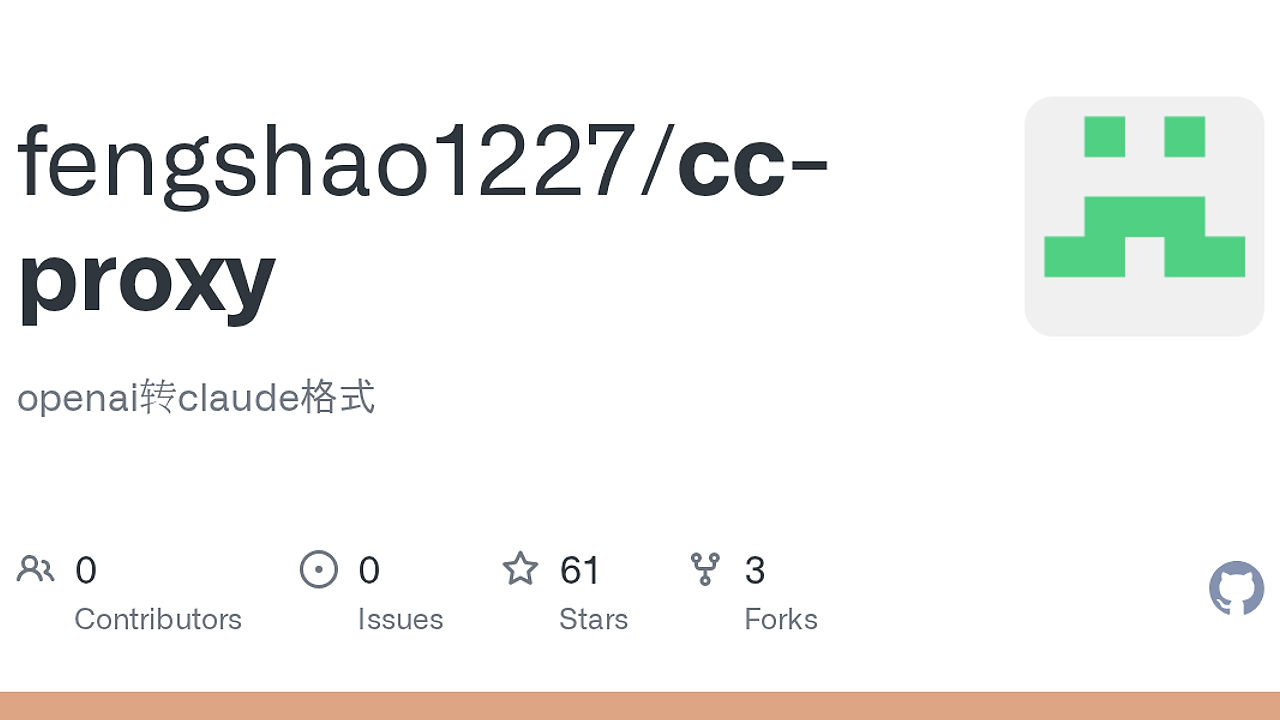
cc-proxy is a Rust CLI proxy built by fengshao1227 that translates Claude Code requests into OpenAI-compatible API calls in real time, so developers using Claude Code can point it at OpenAI or third-party backends; the binary is 6.4MB and ships without Python, Docker, or runtime dependencies. cc-proxy is one of the best CLI Proxy Tools for developers using Claude Code with OpenAI-compatible backends, especially when you need local auth, tiered model mapping, and SSE streaming in a single process.
Quick Overview
| Attribute | Details |
|---|---|
| Type | CLI Proxy Tools |
| Best For | Developers using Claude Code with OpenAI-compatible backends |
| Language/Stack | Rust, TUI, SSE streaming, OpenAI-compatible HTTP APIs |
| License | MIT |
| GitHub Stars | N/A as of Feb 2026 |
| Pricing | Open-Source |
| Last Release | v0.1.6 — date not stated on the page |
Who Should Use cc-proxy?
- Claude Code users who want model flexibility — cc-proxy is a fit when your team wants Claude Code’s local workflow but prefers OpenAI, GPT-5.4, or another compatible provider behind it.
- Indie hackers shipping on a tight footprint — the 6.4MB Rust binary avoids Docker images, Python virtualenvs, and extra services, which keeps local setups simple and CI runners light.
- Platform engineers standardizing access — cc-proxy gives you a local gateway with one auth key, per-tier routing, and config stored in
~/.cc-proxy/config.jsonwith restrictive file permissions. - Developers debugging API compatibility — if you need to verify streaming, tool calls, or reasoning settings against a Claude Code client, cc-proxy exposes a controlled translation layer.
Not ideal for:
- Teams that want a hosted SaaS and do not want to run any local process.
- Workflows that depend on Anthropic-native endpoints only and do not need request translation.
- Environments where local port management is heavily restricted and cannot allow a listener on
localhost:8082.
Key Features of cc-proxy
- Real-time request translation — cc-proxy rewrites Claude Code traffic into OpenAI-style requests on the fly, which lets the client keep speaking Anthropic-shaped protocol while the upstream model comes from another provider.
- Single static Rust binary — the download is only 6.4MB, and the page explicitly says there is no Python, Docker, or external runtime dependency. That matters on minimal Linux hosts, developer laptops, and ephemeral CI machines.
- Interactive TUI setup — running
cc-proxystarts a menu-driven interface with status, restart, config, and connection info actions. This is faster than editing JSON by hand when you are testing providers. - Per-tier model mapping —
opus,sonnet, andhaikutraffic can map to separate upstream models. That lets you reserve expensive models for high-value prompts while routing lighter work to cheaper ones. - Per-tier reasoning controls — each tier can use a different thinking effort level:
none,low,medium,high, orxhigh. This is useful when you want more depth for larger tasks and lower latency for small edits. - Streaming SSE support — cc-proxy preserves token streaming through SSE, so Claude Code still receives incremental output instead of waiting for a full response body.
- Daemon and health tooling — the CLI exposes
start -d,stop,status,test, anddoctor, which makes cc-proxy usable in scripts, shells, and service wrappers. - Auto-generated auth key — the proxy creates a random client auth key during setup and shows it in the connection info screen. That reduces the chance of anonymous local access.
cc-proxy vs Alternatives
| Tool | Best For | Key Differentiator | Pricing |
|---|---|---|---|
| cc-proxy | Claude Code users who need OpenAI-compatible routing | Translates Claude Code requests into upstream OpenAI-style APIs in real time | Open-Source |
| OpenTrace | Inspecting request/response flow and debugging AI traffic | Focuses on tracing and observability rather than runtime request translation | Open-Source |
| OpenSwarm | Coordinating multi-agent workflows | Orchestrates agents instead of sitting in the network path as a proxy | Open-Source |
| Claude Code Canvas | Managing Claude Code sessions and workflows | Improves the Claude Code experience itself rather than swapping providers underneath it | Open-Source |
Pick OpenTrace when you care more about visibility than routing. cc-proxy changes the traffic path, while OpenTrace is the better fit for inspecting what the client and model are actually sending.
Pick OpenSwarm when you need coordination across multiple agents or tasks. cc-proxy is a transport and translation layer, not an orchestration engine.
Pick Claude Code Canvas when the problem is the Claude Code workflow, not the backend provider. cc-proxy is the right choice when Claude Code already works and you only need to swap the API layer underneath it.
How cc-proxy Works
cc-proxy runs as a local HTTP listener, defaulting to port 8082, and acts as a translation shim between Claude Code and any OpenAI-compatible endpoint. The core abstraction is simple: Claude Code sends Anthropic-shaped requests, cc-proxy maps model tiers and reasoning settings, then forwards the call to the upstream API while preserving streaming behavior and tool-use semantics.
The design choice that matters here is keeping the proxy small and deterministic. The page says the binary is a single 6.4MB Rust executable with no runtime dependencies, which means startup is fast, the failure surface is narrow, and deployment on Linux or Windows does not require container tooling. That is a practical advantage over heavier gateway stacks when you only need local protocol adaptation.
# start the proxy
cc-proxy

# connect Claude Code to the local listener
ANTHROPIC_BASE_URL=http://localhost:8082 \
ANTHROPIC_API_KEY="your-auth-key" \
ANTHROPIC_AUTH_TOKEN="" \
claude
The first command opens the interactive menu and either starts the proxy or walks you through setup. The second command points Claude Code at the local bridge so requests hit cc-proxy first, and the blank ANTHROPIC_AUTH_TOKEN forces the API-key path instead of a claude.ai login path.
cc-proxy also uses tier-based routing for model selection. Requests that look like opus, sonnet, or haiku are mapped to BIG_MODEL, MIDDLE_MODEL, or SMALL_MODEL, and each tier can get its own reasoning level. That lets you treat the proxy as a policy layer, not just a dumb reverse proxy.
Pros and Cons of cc-proxy
Pros:
- Tiny deployment footprint — the 6.4MB Rust binary is easy to ship, cache, and run on developer laptops or minimal Linux instances.
- Claude Code compatibility — it preserves a Claude Code workflow while pointing traffic at OpenAI-compatible providers.
- Per-tier routing and reasoning — model selection and reasoning depth can be tuned independently for opus, sonnet, and haiku tiers.
- Streaming support — SSE token streaming survives the translation path, which keeps interactive coding sessions responsive.
- Useful operational commands —
status,test, anddoctormake it easier to diagnose upstream API issues, config mistakes, and port conflicts. - No container dependency — the page explicitly says you do not need Docker, which simplifies setup on locked-down workstations.
Cons:
- Local process required — cc-proxy is not a hosted gateway, so it needs a machine that stays available while Claude Code runs.
- Port exposure trade-off — the default port is
8082, which can collide with Windows port reservations or other local services. - Manual provider setup — you still have to supply an OpenAI-compatible base URL and a valid upstream key.
- Narrow scope — cc-proxy solves routing and translation, not collaboration, tracing, or agent orchestration.
- Unknown upstream behavior — compatibility depends on the provider actually honoring OpenAI-style endpoints, tool calls, and streaming semantics.
Getting Started with cc-proxy
# install the CLI wrapper
npm i -g ccproxy-cli

# launch the interactive setup and start the proxy
cc-proxy

# in a second terminal, point Claude Code at cc-proxy
ANTHROPIC_BASE_URL=http://localhost:8082 \
ANTHROPIC_API_KEY="your-auth-key" \
ANTHROPIC_AUTH_TOKEN="" \
claude
After the first run, cc-proxy asks for your upstream API URL, API key, model presets, and reasoning preferences. The setup stores config in ~/.cc-proxy/config.json with 0600 permissions, then generates a client auth key that Claude Code must use when talking to localhost:8082.
If you prefer a binary download, the project also publishes releases on GitHub and supports chmod +x cc-proxy followed by ./cc-proxy. That path is useful on hosts where Node is not installed, while the npm wrapper is better if you want the setup flow and command entrypoint managed for you.
Verdict
cc-proxy is the strongest option for running Claude Code against OpenAI-compatible providers when you want a tiny local bridge instead of a full gateway stack. Its main strength is the combination of real-time translation, tiered model mapping, and zero-runtime deployment. The caveat is that it only helps if you are comfortable operating a local proxy and managing upstream API access yourself. Use it if you need that control.