What Is StackPrism?
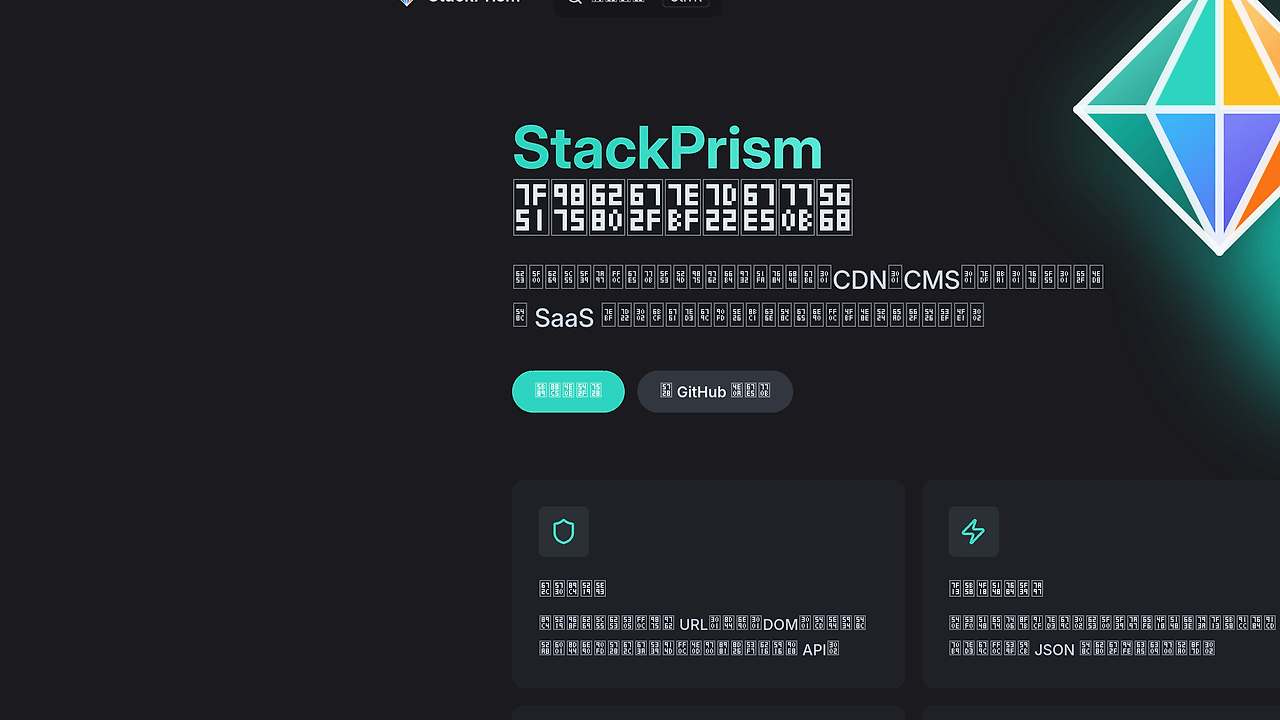
StackPrism is a Chrome and Edge DevTools extension built by setube that identifies a site's frontend, backend, CMS, CDN, SaaS, and security stack from DOM signals, response headers, dynamic assets, and bundle comments for developers, SEO engineers, and security reviewers. The project ships with 50+ categories and 2,000+ rules, and StackPrism is one of the best DevTools Extensions tools for developers, SEO engineers, and security reviewers auditing web stacks.
It matters because most stack detectors stop at static HTML and miss modern client-side loading patterns. StackPrism adds six signal dimensions and a confidence model, which makes it useful when you need fewer false positives and more traceable evidence.
Quick Overview
| Attribute | Details |
|---|---|
| Type | DevTools Extensions |
| Best For | developers, SEO engineers, and security reviewers auditing web stacks |
| Language/Stack | Chrome/Edge Manifest V3, TypeScript, Vue, Vite, Service Worker APIs, webRequest, PerformanceObserver, MutationObserver |
| License | CC BY-NC-SA 4.0 |
| GitHub Stars | N/A as of Feb 2026 |
| Pricing | Open-Source |
| Last Release | N/A |
Who Should Use StackPrism?
- Indie hackers shipping client-heavy products who want to see which frameworks, analytics tags, CDNs, and SaaS vendors are really on a competitor site.
- SEO and growth teams who need a fast browser-side inspection layer for CMS, theme, tag manager, and platform detection without opening external SaaS dashboards.
- Security reviewers and appsec engineers who want to spot header exposure, HTTP version details, and mixed-vendor fingerprints that often reveal misconfiguration.
- Frontend and platform engineers who need a quick way to validate whether a deployment still matches the intended stack after a rollout.
Not ideal for:
- Teams that need a legally unrestricted license for commercial redistribution, because StackPrism uses CC BY-NC-SA 4.0.
- Organizations that need full backend certainty from a single page load, because some servers hide headers and some frameworks leave weak fingerprints.
- Users who expect a server-side crawler instead of a browser extension, because StackPrism works from the client side inside Chrome or Edge.
Key Features of StackPrism
- Four-path signal collection — StackPrism combines static DOM scanning, header observation, dynamic resource monitoring, and JS copyright comment inspection. That means it can catch frameworks that only appear after hydration or after interaction.
- Manifest V3 service worker architecture — The extension avoids a persistent background page and uses event-driven workers instead. That keeps memory use low and fits Chrome and Edge's MV3 model.
- Data-driven rule engine — The detection layer lives in 50+ JSON rule files under
public/rules/, so most updates only require changing data instead of editing code. That is the right shape for a fast-moving ecosystem where React plugins, SaaS tags, and CMS themes change weekly. - False-positive suppression — StackPrism actively downranks suspicious fingerprints when it sees multiple competing identity headers or a self-hosted site matching its own platform name. That is a serious upgrade over detectors that blindly trust
ServerorX-Powered-By. - HTTP version detection — It reads the negotiated HTTP version from
webRequest.statusLine, which is more reliable than trying to infer protocol details from cross-origin timing APIs. That helps when you want to verify HTTP/2 or HTTP/3 exposure. - Dynamic asset tracking —
PerformanceObserverandMutationObserverlet StackPrism keep collecting scripts, styles, iframes, and feeds after the initial page load. This is the part that makes the extension useful on heavy SPA and hydration-based stacks. - Rule prefiltering for speed — The build step injects rule hints and combined keyword regexes before runtime matching. That reduces the number of candidate rules checked during inspection, which keeps popup interactions snappy on large pages.
StackPrism vs Alternatives
| Tool | Best For | Key Differentiator | Pricing |
|---|---|---|---|
| StackPrism | Browser-based stack fingerprinting with multiple signal paths | MV3 extension with rule-driven detection, header inspection, and anti-spoofing logic | Open-Source |
| Wappalyzer | Quick technology lookups in the browser | Broad commercial dataset and polished UX | Freemium |
| BuiltWith | Deep web technology intelligence at scale | Strong historical indexing and account-based reports | Paid |
| WhatRuns | Lightweight browser-side tech detection | Simple extension workflow with minimal setup | Free / Freemium |
Pick StackPrism when you want inspectable, browser-local evidence and you care about how the result was derived. Pick Wappalyzer when you want a familiar commercial baseline and do not need to inspect the rule logic.
Pick BuiltWith when you need broader market intelligence, tracking, and reporting beyond a single page visit. Pick WhatRuns when you only need a quick glance and do not care about StackPrism's extra signal fusion or anti-fake-header logic.
If you want a broader shortlist, browse all browser extension tools or browse all devtools tools and compare the detection model, not just the UI.
How StackPrism Works
StackPrism uses a split capture pipeline instead of a single HTML parser. A content script scans DOM nodes, global variables, CSS class names, CSS variables, and meta tags, while a service worker watches response headers and negotiated HTTP versions through webRequest.onHeadersReceived.
That architecture matters because a modern site may reveal React in the DOM, Nginx in the headers, Vite in a bundle comment, and Cloudflare in a resource URL. StackPrism normalizes all of those into categorized evidence records, deduplicates them, and assigns confidence so a weak hint does not override a stronger one.
The design is intentionally data driven. Rules live in JSON, are precompiled at build time, and are filtered before matching so the extension only checks likely candidates at runtime.
git clone https://github.com/setube/stackprism.git
cd stackprism
pnpm install
pnpm run build
The build produces a dist/ folder that you can load as an unpacked extension in Chrome or Edge. After installation, the popup aggregates hits from the initial document and later-loaded resources, so you should refresh the target page once before trusting the first result set.
Pros and Cons of StackPrism
Pros:
- Multiple evidence sources reduce the chance of false negatives on SPA-heavy sites.
- MV3 service worker design keeps the extension aligned with current Chrome and Edge platform rules.
- Rule files are editable data so contributors can add detections without touching the matching engine.
- Anti-spoofing logic catches suspicious header combinations and lowers confidence instead of overstating certainty.
- Dynamic observation continues after page load, which is important for sites that lazy-load scripts and embeds.
- Self-host suppression avoids noisy self-identification on major properties that would otherwise pollute results.
Cons:
- Chrome and Edge only means Firefox users do not get a native path.
- Noncommercial license blocks straightforward commercial redistribution.
- Limited backend certainty remains a problem when servers hide headers or proxy everything through a CDN.
- First-refresh requirement can confuse new users because the extension needs a reload to catch the main document response.
- Restricted pages are off-limits on internal browser pages, store pages, and some system surfaces.
Getting Started with StackPrism
git clone https://github.com/setube/stackprism.git
cd stackprism
pnpm install
pnpm run build
After the build finishes, open chrome://extensions or edge://extensions, enable Developer Mode, and load the dist/ directory as an unpacked extension. Once the extension is installed, visit a real webpage, refresh it once, and open the popup to see the collected stack signals.
If you plan to contribute rules, run the dev checks before sending a PR: pnpm run typecheck, pnpm run lint, and pnpm run build. The repo's workflow is optimized for people who want to improve detections by editing JSON rules instead of rewriting the matcher.
Verdict
StackPrism is the strongest option for browser-side stack fingerprinting when you need multiple evidence sources instead of HTML-only guesses. Its main strength is the rule-driven, MV3-based capture model; its caveat is the browser-only scope and noncommercial license. Use StackPrism if you want practical, inspectable detection with room for custom rule work.