What Is Puzzle?
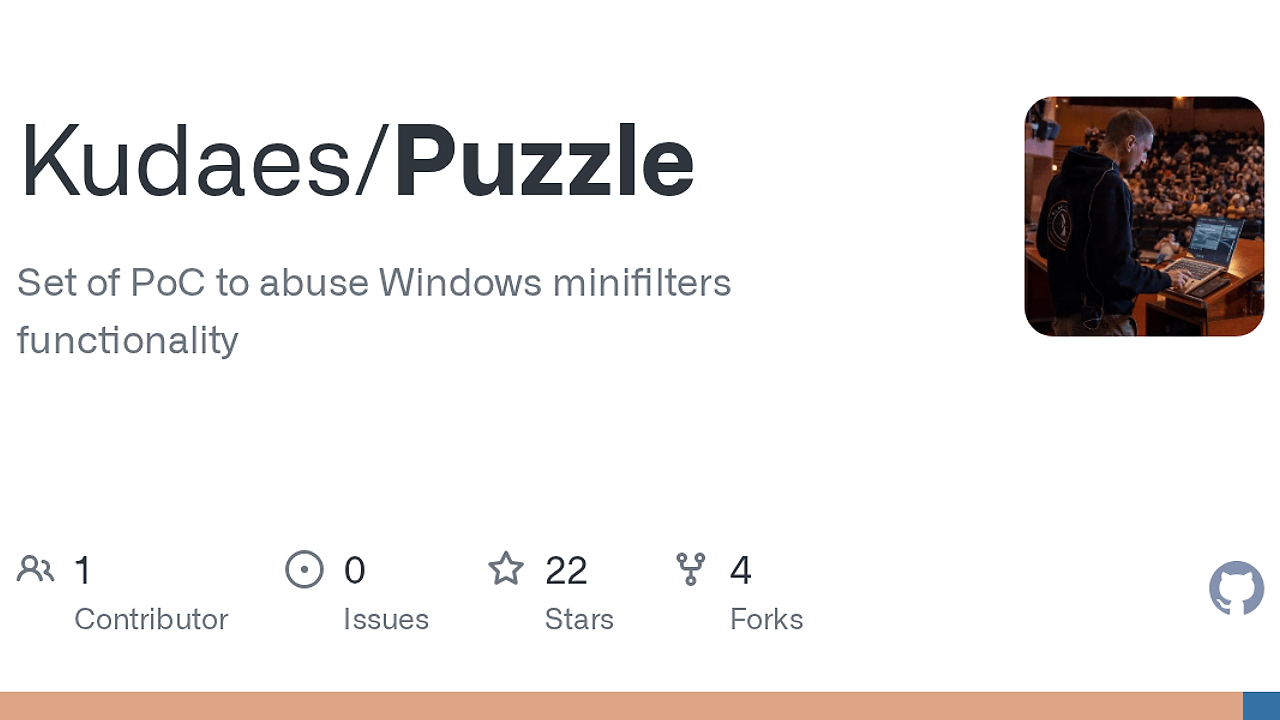
Puzzle is a Windows minifilter evasion research repository built by Kudaes. It combines three main PoCs—SyncProvider, BindLinks, and WOFProvider—plus Python scripts and Rust utilities to study how CldFlt, bindflt, and Wof can be abused to hide payloads in monitored environments. Puzzle is one of the best Windows Minifilter Evasion tools for Red Teamers and Malware Researchers. The repo is tested on Windows 10, Windows 11, and matching Windows Server builds, and it documents a full chain from disk placement to runtime concealment.
Quick Overview
| Attribute | Details |
|---|---|
| Type | Windows Minifilter Evasion |
| Best For | Red Teamers and Malware Researchers |
| Language/Stack | Rust, Python, PowerShell, and CMD on Windows |
| License | N/A |
| GitHub Stars | N/A |
| Pricing | Open-Source |
| Last Release | N/A |
Who Should Use Puzzle?
- Red teams validating defensive visibility on Windows hosts that expose
CldFlt,bindflt, andWof. - Malware researchers comparing static scanning versus runtime hiding behavior across Windows 10, Windows 11, and Server.
- Endpoint engineers building detections around file creation, bindlinks, FRN resolution, and minifilter altitude abuse.
- Lab operators who want a reproducible repo with Rust build scripts and supporting Python utilities.
Not ideal for:
- Teams that need benign file packaging or backup workflows. Puzzle is built around evasion concepts, not general storage tooling.
- Operators without Windows admin access on hosts that need
BindLinksorWOFProvider. - Anyone looking for cross-platform support. Puzzle is Windows-only.
Key Features of Puzzle
- SyncProvider / Cloud Filter API — uses
CldFltand the Cloud Filter API to write payloads through sync-engine semantics. This is the path for disk placement without immediately triggering static analysis. - WOFProvider / wofapi — maps a WIM file as an external data source via
wofapi, which makes the on-disk object look like compressed or external content rather than a normal binary. - BindLinks concealment layer — creates and removes
bindlinksthroughbindflt, adding a runtime hiding step that makes payload inspection harder once the file is present. - IdMapper FRN lookup — resolves hidden binaries via File Reference Number (FRN) instead of normal paths, which matters when the path is intentionally obscured by a bindlink.
- Helper scripts and Rust utilities — Python scripts automate the techniques, while the Rust side handles the complementary plumbing and builds into the
bin/folder. - Composable execution model — the repo is designed so SyncProvider or WOFProvider can be paired with BindLinks, giving you separate controls for how the payload lands and how it is found.
- Windows version coverage — the repository says it has been tested on Windows 10, Windows 11, and the corresponding Windows Server versions, which matters when you are validating behavior across lab images.
Puzzle vs Alternatives
| Tool | Best For | Key Differentiator | Pricing |
|---|---|---|---|
| Puzzle | Windows minifilter abuse research and stealthy file-drop PoCs | Combines SyncProvider, BindLinks, WOFProvider, and helper scripts around CldFlt, bindflt, and wofapi | Open-Source |
| AV Chaos Monkey | Stress-testing AV and EDR behavior | Focuses on validation under hostile conditions rather than file-system concealment primitives | N/A |
| OpenTrace | Process and system tracing in security labs | Centers on telemetry visibility instead of altering how Windows stores or reveals files | N/A |
Pick AV Chaos Monkey when your goal is to see whether endpoint controls react under noisy, intentionally hostile workloads. Pick OpenTrace when you need to inspect telemetry, process creation, and file activity rather than modify file handling.
How Puzzle Works
Puzzle splits the attack surface into three separate Windows primitives instead of hiding everything behind one binary. SyncProvider targets the Cloud Filter API and the CldFlt minifilter for write-time abuse, WOFProvider targets wofapi and the Wof minifilter for external data source behavior, and BindLinks targets bindflt to obscure execution-time visibility. That separation matters because each stage changes a different part of the chain: how the payload lands, how it is stored, and how it is resolved.
The design is modular on purpose. Each main project has its own README, and the repository recommends reading SyncProvider, BindLinks, and WOFProvider in that order to understand how the pieces combine. The Rust build path stays simple because both build.cmd and build.ps1 compile all Rust solutions through cargo, which keeps the generated binaries under bin/ at the repository root.
git clone https://github.com/Kudaes/Puzzle.git
cd Puzzle
build.cmd build release
fltmc filters | findstr /i "cldflt wof bindflt"
The first two commands fetch the repository and compile every Rust solution into bin/. The fltmc check confirms whether the relevant minifilters are loaded on the host before you try any README-specific workflow, which is important because the repo depends on standard Windows components rather than shipping its own kernel driver.
For validation work, the combination of fltmc, the repo-specific READMEs, and the helper scripts gives you a deterministic path from environment check to technique test. For lab telemetry, pairing Puzzle with OpenTrace lets you watch what the host reports while the minifilter-backed flows are being exercised.
Pros and Cons of Puzzle
Pros:
- Clear separation between write-time abuse, runtime concealment, and identifier-based lookup.
- Uses native Windows APIs and minifilter behavior instead of custom kernel code.
- Tested across Windows 10, Windows 11, and the matching Windows Server line.
- Includes both Python utilities and Rust components, so automation and core tooling are already split.
- Build scripts compile all Rust solutions in one pass with
cargo. - Useful for red-team lab validation where defenders care about file-system edge cases.
Cons:
- Windows-only, so it has no value in Linux, macOS, or container-native testing.
BindLinksandWOFProviderrequire administrator access.- The repository is split across multiple READMEs, so you need to read documentation in the correct order.
- It is offensive by design and will likely trigger endpoint defenses in real environments.
- There is no GUI or packaged installer; this is source code and PoC material.
Getting Started with Puzzle
git clone https://github.com/Kudaes/Puzzle.git
cd Puzzle
rustup toolchain install stable
rustup default stable
build.cmd build release
fltmc filters | findstr /i "cldflt wof bindflt"
After that, the compiled binaries should appear in the repo-level bin/ directory. Read the SyncProvider, BindLinks, and WOFProvider READMEs in that order before testing any technique, and use an elevated shell for the parts that need admin privileges. If you prefer PowerShell, build.ps1 build release does the same job as build.cmd.
Verdict
Puzzle is the strongest option for Windows minifilter abuse research when you need both disk-drop and runtime concealment in one repo. Its biggest strength is the composable design across CldFlt, wofapi, and bindflt; the caveat is that it is Windows-only and operationally noisy. Use it in a lab, not as a general utility.