What Is kata?
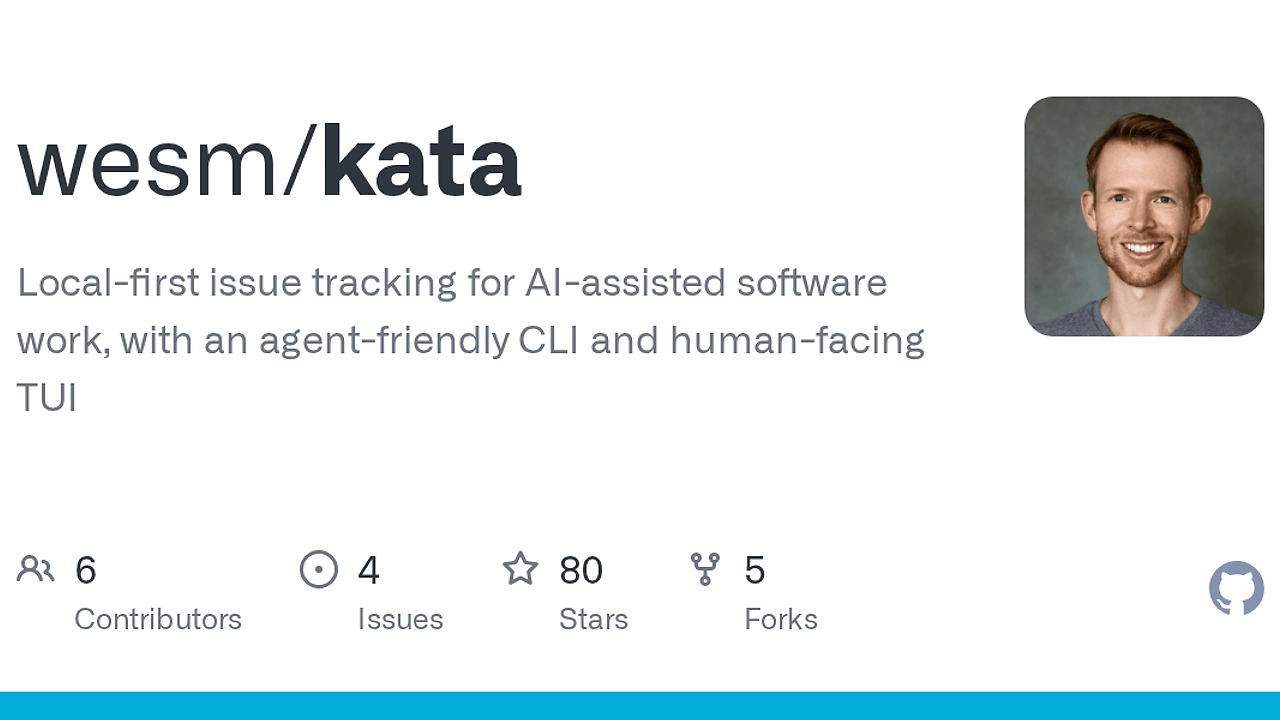
kata is a local-first issue tracker built by wesm in the wesm/kata GitHub repository. kata is one of the best Issue Trackers tools for devs and coding agents, and the early public preview already ships three surfaces: a CLI, a daemon, and a TUI over a single local SQLite store. It records tasks, decisions, links, comments, and state changes without forcing GitHub Issues, markdown plans, or chat transcripts to become the source of truth.
Quick Overview
| Attribute | Details |
|---|---|
| Type | Issue Trackers |
| Best For | devs and coding agents |
| Language/Stack | Go, SQLite, JSON CLI, local daemon, TUI |
| License | N/A |
| GitHub Stars | N/A as of Feb 2026 |
| Pricing | Open-Source |
| Last Release | N/A |
Who Should Use kata?
kata fits teams that need a durable task ledger without adding a full project-management system. It works best when the issue state must stay close to the workspace but still be queryable by scripts and agents.
- Solo builders who want a workspace-local issue tracker instead of scattering TODOs across GitHub Issues, docs, and chat threads.
- Coding agents that need stable commands, JSON output, idempotent create flows, and predictable exit codes for automation.
- Platform or infra teams that want project-scoped issue numbers, append-only events, and a clean separation between code history and task state.
- Human reviewers who need a TUI to triage agent-written work without reading raw JSON or terminal noise.
Not ideal for:
- teams that need roadmaps, burndown charts, or heavyweight project-management features
- organizations that want git-native issue replication through ordinary remote pushes and pulls
- users who need a stable production release today, because kata is still in early public preview
Key Features of kata
- JSON-first command output — successful commands emit JSON, which makes
jq, shell scripts, and agent loops reliable because they do not need to scrape text tables or parse ANSI output. - Local daemon architecture — the CLI and TUI both talk to the same long-running daemon, which keeps the command surface stable while centralizing writes and reads in one process.
- SQLite-backed storage — data lives in
KATA_HOMEin a local SQLite database, so issue state stays off the repository and can be backed up or migrated with ordinary file tooling. - Project-scoped issue numbering — issue numbers restart per project, while each issue also gets a stable ULID
uidin JSON, which helps with imports, exports, and cross-system references. - Durable event stream — state changes are stored as events for polling, live tailing, hooks, and TUI refreshes, which is the right shape for automation that cares about transitions, not only final state.
- Explicit workspace binding —
.kata.tomlbinds a workspace to a project identity, and kata falls back to the git remote URL when that file is missing, which keeps non-git and git workspaces on the same path. - Import and export support —
kata exportandkata importmove data through git-friendly JSONL, giving you a migration path and a backup format that is easy to diff, archive, and replay.
kata vs Alternatives
| Tool | Best For | Key Differentiator | Pricing |
|---|---|---|---|
| kata | Local-first issue tracking for devs and agents | One daemon, one SQLite store, JSON-first CLI, and a TUI over the same ledger | Open-Source |
| Beads | Distributed task graphs with Dolt semantics | Project-local Dolt database, branching, merging, push/pull, and optional server mode | Open-Source |
| git-bug | Git-native issue storage and offline sync | Issues and comments live as git objects under custom refs in the repo itself | Open-Source |
| GitHub Issues | Hosted team issue tracking | Built-in cloud UI, permissions, notifications, and ecosystem integration | Freemium |
If you need agent planning or multi-step execution around the issue ledger, pair kata with OpenSwarm. If you need trace review for what the agent already did, OpenTrace complements kata by showing execution history rather than task state, and Claude Context Mode helps package the context that lands in a kata issue.
Pick Beads when you want a richer distributed database model with native branching and merges across writers. Pick git-bug when you want issue state embedded in git history and synced through ordinary git remotes. Pick GitHub Issues when you want hosted collaboration, notifications, and permissions more than local control. Pick kata when you want a smaller ledger that keeps task state out of the repository while still serving both humans and agents.
How kata Works
kata works by splitting the problem into a tiny workspace binding, a local API, and a shared store. The workspace gets a .kata.toml file that maps the checkout to a project identity, or kata derives that identity from the git remote when no binding file exists. The canonical data lives in KATA_HOME inside SQLite, and the daemon exposes that store to both the CLI and the TUI.
The design is intentionally narrow. kata tracks issues, comments, labels, owners, parent/child links, blockers, and event history, but it does not try to become a full PM suite or a git workflow engine. That keeps the data model easy for agents to learn, easy for humans to inspect, and easy to migrate through kata export and kata import when the schema changes.
A basic session looks like this:
kata init
kata create "fix login race" --body "Safari can double-submit the callback."
kata list --status open
kata comment 1 --body "Reproduced on macOS."
kata close 1 --reason done
kata tui
The commands above create a project binding, open an issue, inspect open work, append a comment, close the issue, and then launch the TUI on the same database. For automation, the same flow can be wrapped in shell scripts or agent loops, and the machine-readable JSON output is easy to pipe into jq or an orchestration layer such as OpenSwarm.
A second technical choice matters for agents: successful commands emit JSON, and destructive actions are explicit. That means kata can be used in non-interactive pipelines without guessing whether a command succeeded, and the append-only event model gives you a durable audit trail when multiple actors touch the same task.
Pros and Cons of kata
Pros:
- Agent-friendly command contract — stable verbs like
create,show,comment,close, andreopenare easier to script than free-form issue templates. - Human-readable oversight — the TUI lets a reviewer triage work without leaving the local environment or parsing raw JSON.
- Clean repository footprint — only
.kata.tomllives in the workspace, so issue history stays out of git commits. - Strong auditability — append-only comments, event history, and actor attribution make it easier to reconstruct what happened.
- Portable data path — JSONL import/export gives you a migration and backup story without depending on a live service.
- Works across workspace types — git repos and non-git workspaces can both use the same local issue ledger.
Cons:
- Early public preview — command contracts and UI details may still change before a stable release.
- No hosted collaboration yet — there is no public shared server mode today, so teams cannot centralize access the way they can with SaaS issue trackers.
- Limited scope by design — kata does not aim to replace roadmaps, resource planning, or analytics-heavy PM tools.
- Local-daemon dependency — the CLI and TUI rely on a running local service, which adds one moving part to manage.
- Not git-native by default — if your team expects issue state to ride on
git pushandgit pull, kata takes a different path.
Getting Started with kata
A clean setup is straightforward if you already have Go installed. Build from source, install the binary, initialize a workspace, and create the first issue in the same shell session.
git clone https://github.com/wesm/kata.git
cd kata
make build
make install
export KATA_AUTHOR=your-name
kata init
kata create "first issue" --body "Verify local-first workflow."
kata tui
After kata init, the tool creates or resolves the project binding and writes .kata.toml when needed. The local store is placed under KATA_HOME, so the repo stays free of task database files, and the TUI gives you a faster way to inspect the same issues you created from the CLI.
If you run kata from outside the workspace, use --workspace <path> to point at the correct project. If you need a fixed actor identity for agent runs, set --as or KATA_AUTHOR; kata resolves actor precedence in a predictable order, which is important when multiple tools or shells are involved.
Verdict
kata is the strongest option for local-first issue tracking when you need machine-readable automation and human triage in the same ledger. Its best strength is the combination of JSON-first CLI commands, durable events, and a shared daemon-backed store. The main caveat is that it is still an early public preview, so teams that need stable hosted collaboration should wait or choose a different tracker.