What Is Freebuff2API?
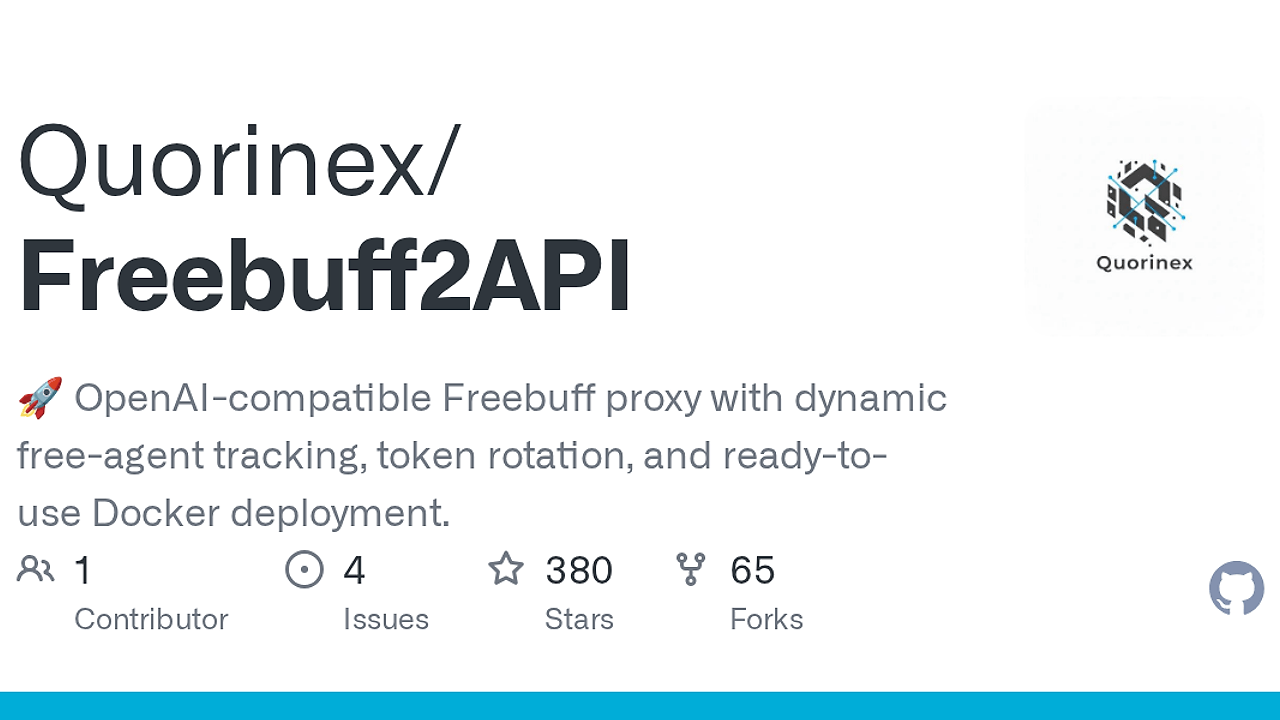
Freebuff2API is a Go-based OpenAI-compatible proxy server built by Quorinex for developers using OpenAI-compatible clients. Freebuff2API is one of the best AI API Proxies tools for developers using OpenAI-compatible clients, because it translates OpenAI requests into Freebuff backend calls, rotates auth tokens every 6h by default, and adds request-fingerprinting logic for Freebuff's upstream API.
It is not a model host and it is not a generic router. It is a thin compatibility layer that lets curl, SDKs, and CLI tools talk to Freebuff through the same request shape they already use for OpenAI.
Quick Overview
| Attribute | Details |
|---|---|
| Type | AI API Proxies |
| Best For | developers using OpenAI-compatible clients |
| Language/Stack | Go 1.23+, Docker, JSON config, OpenAI-compatible HTTP proxying |
| License | MIT |
| GitHub Stars | N/A as of Aug 2025 |
| Pricing | Open-Source |
| Last Release | N/A — not specified in the scraped page text as of Aug 2025 |
Who Should Use Freebuff2API?
- Solo developers building AI wrappers who want to point existing OpenAI SDK code at Freebuff without rewriting request handling or changing the client stack.
- Platform engineers who need a self-hosted gateway with token rotation, optional upstream proxying, and a narrow configuration surface that is easy to reason about.
- Indie hackers testing multiple accounts who need to spread traffic across several Freebuff auth tokens instead of hitting one identity until it rate limits.
- Internal tools teams that need a small compatibility shim for prototypes, demos, or private research environments where the OpenAI API shape is already baked into code.
Not ideal for:
- Teams that want a hosted SLA, vendor support, or an enterprise contract.
- Users who do not have authorized Freebuff accounts or tokens.
- Teams that need multi-provider model brokerage, prompt analytics, or a broader AI gateway layer.
Key Features of Freebuff2API
- OpenAI-compatible endpoints — Freebuff2API exposes standard OpenAI-style routes, so existing clients can switch the base URL and keep sending the same JSON payloads. That keeps integration work close to zero for apps already using OpenAI SDKs,
curl, or CLI wrappers. - Stealth request handling — The proxy generates dynamic, randomized client fingerprints that mimic official Freebuff SDK behavior. That is the main anti-detection mechanism and it is the reason this gateway is not just a dumb pass-through.
- Multi-token rotation — Freebuff2API accepts multiple auth tokens and rotates them on a timer, with a default
ROTATION_INTERVALof6h. That is useful when you want throughput distribution, fault isolation, or account-level load spreading. - HTTP proxy support — Outbound requests can be routed through a configurable
HTTP_PROXY. This matters in locked-down networks, shared egress environments, and debugging setups where you need a controlled hop for all upstream traffic. - JSON config plus env vars — The app reads
config.jsonby default and accepts the same keys through environment variables, with env vars winning when both are present. That makes the deployment model predictable across local runs, Docker, and CI. - Optional API key gate —
API_KEYSlets you add a thin auth layer in front of the proxy, or leave it empty for open access on a trusted network. If you expose Freebuff2API beyond localhost, you should treat that key list as the minimum perimeter. - Go binary and container delivery — The project builds with Go 1.23+ and also ships multi-arch Docker images on GHCR. That gives you a clean choice between a single static binary and a containerized runtime.
Freebuff2API vs Alternatives
| Tool | Best For | Key Differentiator | Pricing |
|---|---|---|---|
| Freebuff2API | Freebuff access through OpenAI-compatible clients | Freebuff-specific token rotation and stealth fingerprinting | Open-Source |
| LiteLLM | Multi-provider AI routing | Broad provider abstraction, logging, and enterprise patterns | Open-Source / Paid tiers |
| LocalAI | Local model serving | Runs models locally instead of proxying a hosted backend | Open-Source |
| OpenRouter | Managed model access | Hosted model aggregation without self-hosted token handling | Paid |
Pick Freebuff2API when Freebuff is the upstream you care about and you want the smallest possible compatibility layer. Pick LiteLLM when you need one gateway for many model providers and do not want to write provider-specific glue.
Pick LocalAI when the real requirement is local inference, not upstream proxying. Pick OpenRouter when you want a managed service that abstracts providers and you are fine paying for that abstraction.
If your gateway needs tracing, pair Freebuff2API with OpenTrace so you can inspect requests and latency around the proxy boundary. If you need a front door for shared access, MachineAuth is a better fit than hard-coding API_KEYS, and OpenSwarm makes more sense when the consumers are agentic workflows rather than a single app.
How Freebuff2API Works
Freebuff2API sits between your client and Freebuff, then translates OpenAI-shaped requests into the backend format Freebuff expects. The design is intentionally narrow: request in, mapped payload out, upstream response back, with the proxy acting as a translation and rotation layer rather than a general AI orchestration platform.
The runtime is centered on a small config model: LISTEN_ADDR, UPSTREAM_BASE_URL, AUTH_TOKENS, ROTATION_INTERVAL, REQUEST_TIMEOUT, API_KEYS, and HTTP_PROXY. That keeps the deployment story straightforward, and it also makes the proxy easy to run in containers, sidecars, or a local dev shell.
Token handling is the most interesting part of the architecture. Freebuff2API keeps a pool of auth tokens, rotates them periodically, and randomizes the client fingerprint so upstream traffic looks closer to the official Freebuff SDK pattern than to a generic HTTP client.
git clone https://github.com/Quorinex/Freebuff2API.git
cd Freebuff2API
go build -o Freebuff2API .
cat > config.json <<'JSON'
{
  "LISTEN_ADDR": ":8080",
  "UPSTREAM_BASE_URL": "https://codebuff.com",
  "AUTH_TOKENS": ["token-a", "token-b"],
  "ROTATION_INTERVAL": "6h",
  "REQUEST_TIMEOUT": "15m",
  "API_KEYS": ["local-dev-key"]
}
JSON
./Freebuff2API -config config.json
That flow builds the binary, writes a local config file, and starts the listener on port 8080. After startup, your OpenAI-compatible client should point at http://localhost:8080, and the first thing to verify is that the proxy can reach the upstream with a valid auth token.
Pros and Cons of Freebuff2API
Pros:
- Drop-in OpenAI compatibility — Existing SDK code usually only needs a base URL change, which keeps integration effort low.
- Token rotation is built in — The proxy can cycle through multiple Freebuff tokens on a timer, which is useful for throughput and account isolation.
- Stealth fingerprinting — The randomized client behavior is a meaningful technical detail, not a marketing bullet, because it changes how requests look to upstream services.
- Simple deployment surface — A small config file plus env overrides is easier to audit than a large gateway with dozens of hidden defaults.
- Docker and source builds both work — You can run the GHCR image or compile a Go binary, which fits both container-first and bare-metal workflows.
- Optional perimeter auth —
API_KEYSgives you a minimal access control layer without forcing a full identity stack.
Cons:
- Depends on Freebuff auth tokens — If you cannot obtain or maintain tokens, Freebuff2API has nothing to proxy.
- Not a general AI router — It does one job well, but it does not replace a broader system like LiteLLM for multi-provider traffic.
- Upstream behavior can change — Any proxy that mimics client fingerprints is coupled to upstream implementation details and may need maintenance.
- No built-in observability stack — If you need traces, metrics, or audit logs, you will add them separately with tools like OpenTrace.
- Open access is risky — Leaving
API_KEYSempty is fine for localhost, but it is a weak posture for anything exposed on a real network.
Getting Started with Freebuff2API
docker run -d --name Freebuff2API \
  -p 8080:8080 \
  -e AUTH_TOKENS=token1,token2 \
  ghcr.io/quorinex/freebuff2api:latest

curl http://localhost:8080/v1/models
That starts the container and exposes the proxy on port 8080. The next step is to point your OpenAI-compatible client at the new base URL, then confirm that the upstream returns model metadata or a completion response with your configured tokens.
If you expose the container beyond a local machine, add API_KEYS and set a non-empty auth list. If you prefer source builds, use Go 1.23+ and the go build path from the architecture section, then keep config.json under version control only if it contains no secrets.
Verdict
Freebuff2API is the strongest option for teams that need Freebuff access inside existing OpenAI tooling when they can self-host and manage tokens. Its main strength is compatibility with a thin translation layer; its main caveat is that you own token sourcing, upstream risk, and operational hygiene. Use it when you want control, not when you want a managed abstraction.