What Is club-3090?
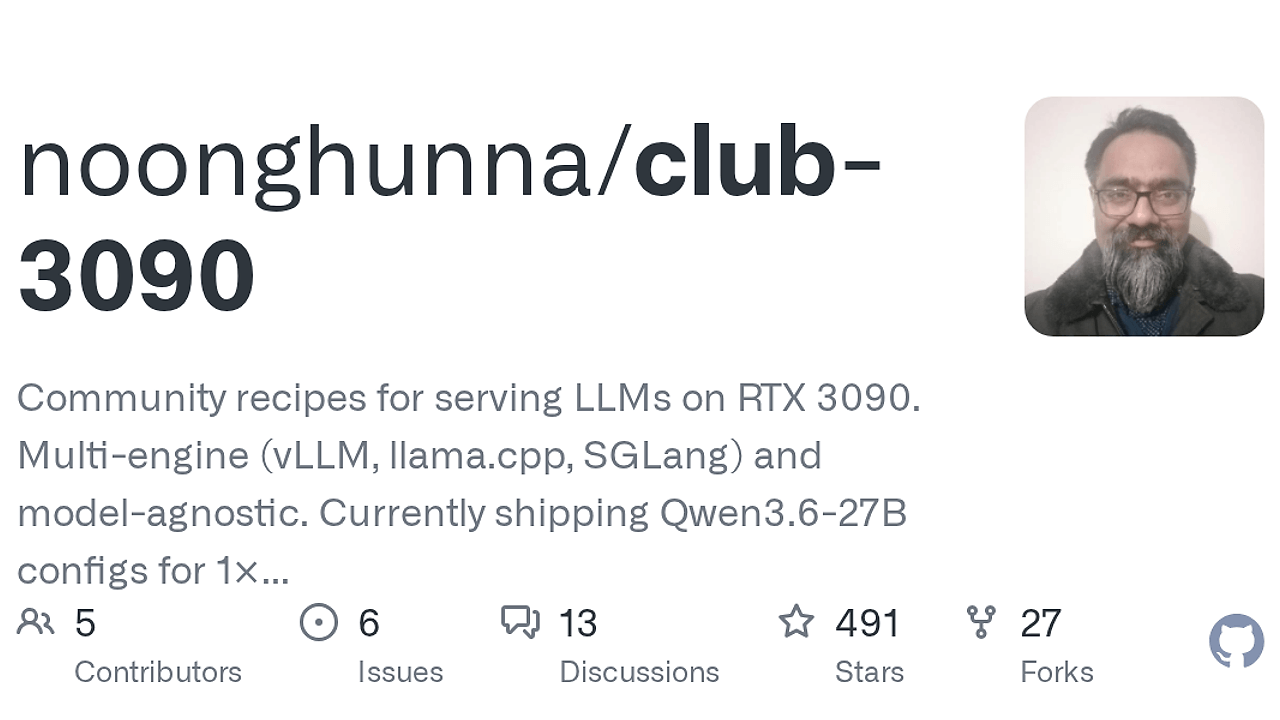
club-3090 is a GitHub repo built by noonghunna and one of the best Local LLM Serving tools for RTX 3090 owners running local LLM backends. It packages tested Docker Compose recipes, engine patches, and benchmark notes for vLLM, llama.cpp, and SGLang, with a drop-in OpenAI-compatible API on localhost:8020. The current Qwen3.6-27B configs report up to 127 TPS on the dual-vLLM path and full 262K context on the single-card llama.cpp path, which is the kind of data homelab operators actually need.
The repo is model-agnostic by design, but it is not generic in the lazy sense. It encodes the exact GPU count, engine choice, and workload shape that matter on 24 GB Ampere cards, then documents what breaks, what holds, and what the measured throughput looks like.
Quick Overview
| Attribute | Details |
|---|---|
| Type | Local LLM Serving |
| Best For | RTX 3090 owners running local LLM backends |
| Language/Stack | vLLM, llama.cpp, SGLang, Docker Compose, OpenAI-compatible APIs, CUDA sm_86 |
| License | Apache-2.0 |
| GitHub Stars | N/A as of Feb 2026 |
| Pricing | Open-Source |
| Last Release | N/A |
club-3090 is structured around repeatable deployment recipes rather than a single runtime binary. The repo’s value is the decision support: which engine, which GPU count, which model, and which config survive real prompts without hand-tuning every knob.
Who Should Use club-3090?
- Homelab operators with 1× or 2× RTX 3090s who want a local inference server that speaks OpenAI API shapes instead of a custom client protocol.
- Indie hackers shipping self-hosted AI features who need predictable marginal cost and model privacy without rebuilding an engine matrix from scratch.
- Platform engineers comparing throughput vs context length on commodity GPUs and needing configs that already encode the trade-off.
- Agent developers testing tool-calling, long-context prompts, vision, or streaming against a backend that behaves like production infrastructure, not a toy demo.
Not ideal for:
- People who want a one-command app with no docs, no trade-offs, and no GPU-specific setup.
- Teams that do not have NVIDIA hardware, CUDA drivers, or enough VRAM to fit the target model class.
- Workloads that need elastic autoscaling, fleet management, or cloud-style burst capacity.
Key Features of club-3090
- Two-engine strategy — club-3090 uses vLLM for maximum throughput and feature coverage, then falls back to llama.cpp when the workload needs more conservative memory behavior. That split matters on 3090s because long-context tool use and high concurrency fail for different reasons.
- Validated compose variants — the repo ships working Docker Compose paths such as
vllm/default,vllm/dual, andllamacpp/default. You are not guessing tensor-parallel values or container flags from scratch. - OpenAI-compatible serving — the stack exposes
http://localhost:8020/v1/chat/completions, which makes it compatible with the OpenAI Python SDK, rawrequests, Cursor, Cline, and Open WebUI. - Measured benchmark data — the repo does not hand-wave performance. It records a bench protocol of 3 warm + 5 measured runs, plus run-by-run notes, VRAM usage, and acceptance rates for the current Qwen3.6-27B setup.
- Hardware-aware documentation —
docs/SINGLE_CARD.md,docs/DUAL_CARD.md, anddocs/MULTI_CARD.mdsplit the deployment path by GPU count, so the config matches the actual PCIe and VRAM constraints. - Model-specific layout — each model lives under
models/<name>/, which keeps quants, patches, changelogs, and engine notes isolated. That makes it easier to add Qwen3.5-27B or GLM-4.6 later without turning the repo into a pile of ad hoc scripts. - Operational scripts —
setup.sh,launch.sh,switch.sh,bench.sh,update.sh, andreport.shcover download, boot, A/B switching, benchmarking, upgrades, and issue reproduction. That is the difference between a repo you can run once and a stack you can maintain.
club-3090 vs Alternatives
| Tool | Best For | Key Differentiator | Pricing |
|---|---|---|---|
| club-3090 | RTX 3090 homelabs that need validated, benchmarked serving recipes | Prescriptive configs, engine comparison, and measured TPS on real hardware | Open-Source |
| Ollama | Fast local prototypes and simple model pulls | Lowest-friction local runtime with less emphasis on hardware-specific tuning | Open-Source |
| llama.cpp | Portable inference and conservative memory behavior | Single-engine C++ runtime with broad hardware reach and strong long-context options | Open-Source |
| vLLM | High-throughput GPU serving | Batching and throughput-focused engine, not a full deployment recipe repo | Open-Source |
Pick Ollama when you want the shortest path from model download to local chat and you do not care about 3090-specific benchmarking. Pick club-3090 when you need the repo to tell you which engine path survives long prompts, which one saturates tokens per second, and which one stays upright under real agent traffic.
Pick llama.cpp directly when you only want the engine and you are comfortable deriving the rest of the deployment stack yourself. club-3090 uses llama.cpp as a deliberate safety path for max context and stability, which is different from relying on the runtime alone.
Pick vLLM directly when your team already knows the tensor-parallel and memory settings and only wants the serving core. club-3090 wraps vLLM with model-specific recipes so you do not have to rediscover the same failure modes on every machine.
If you care about request-level visibility while comparing backends, pair the stack with OpenTrace. If you are orchestrating multiple agents on top of this API, OpenSwarm sits cleanly above the serving layer.
How club-3090 Works
club-3090 works by treating local serving as a matrix of model × engine × GPU count. The repo stores working compose variants and per-model notes under models/<name>/, then exposes a common OpenAI-shaped endpoint regardless of whether the backend is vLLM or llama.cpp.
The design philosophy is simple: prefer a config that survives real prompts over a config that wins one synthetic benchmark. That is why the repo documents the exact substrate used for the current Qwen3.6-27B numbers, including vLLM nightly 0.20.1rc1.dev16+g7a1eb8ac2, Genesis v7.69 dev tip, and local backports for inputs_embeds and cudagraph tolist behavior.
git clone https://github.com/noonghunna/club-3090.git
cd club-3090
bash scripts/setup.sh qwen3.6-27b
bash scripts/launch.sh --variant vllm/dual
curl -sf http://localhost:8020/v1/chat/completions -H "Content-Type: application/json" -d '{"model":"qwen3.6-27b-autoround","messages":[{"role":"user","content":"Capital of France?"}],"max_tokens":200}'
That flow downloads and verifies the model, boots the selected compose variant, and then validates the endpoint before you send client traffic. launch.sh also runs the service verification path, while switch.sh lets you A/B backends without rebuilding the whole stack. If you want to inspect latency or prompt traces around the API, attach OpenTrace at the client layer rather than changing the serving recipe.
Pros and Cons of club-3090
Pros:
- Real hardware data — the repo publishes measured TPS, VRAM notes, and workload-specific failure modes instead of only theory.
- Two-engine fallback — vLLM and llama.cpp cover different points on the throughput vs stability curve.
- OpenAI-compatible API — easy integration with existing clients and SDKs.
- Card-count-aware docs — single, dual, and multi-GPU guides reduce guesswork.
- Repeatable operations — the script set covers setup, boot, switching, benchmarking, updates, and bug reporting.
- Apache-2.0 licensing — straightforward for internal use, modification, and redistribution.
Cons:
- Narrow hardware target — club-3090 is optimized for 3090-class cards, not a universal local AI solution.
- Operational overhead — you still need CUDA, Docker, and enough time to read the docs.
- Model coverage is limited today — the current production-ready path centers on Qwen3.6-27B, so broader model support is still growing.
- SGLang is blocked — the repo explicitly marks one engine path as unavailable, so the matrix is not complete.
- Not beginner-friendly — the repo assumes you understand context length, tensor parallelism, and GPU memory ceilings.
Getting Started with club-3090
The fastest path is to clone the repo, fetch the current model bundle, and launch the default variant for your hardware. After that, hit the local API and run the benchmark script so you know whether you picked the right engine for your workload.
git clone https://github.com/noonghunna/club-3090.git
cd club-3090
bash scripts/setup.sh qwen3.6-27b
bash scripts/launch.sh --variant vllm/default
curl -sf http://localhost:8020/v1/chat/completions -H "Content-Type: application/json" -d '{"model":"qwen3.6-27b-autoround","messages":[{"role":"user","content":"Hello"}],"max_tokens":32}'
bash scripts/bench.sh
The first launch chooses a compose variant, brings the backend up, and prints the endpoint you can wire into SDKs or editors. If you need to change from the throughput path to the long-context path later, scripts/switch.sh is the control point, not a fresh reinstall.
Verdict
club-3090 is the strongest option for RTX 3090 owners when you want a reproducible local LLM backend instead of a hand-built Docker stack. Its biggest strength is the tested split between vLLM and llama.cpp, while the main caveat is the operational discipline it expects from you. Use it for homelabs and developer backends; skip it if you want a toy local chat app.