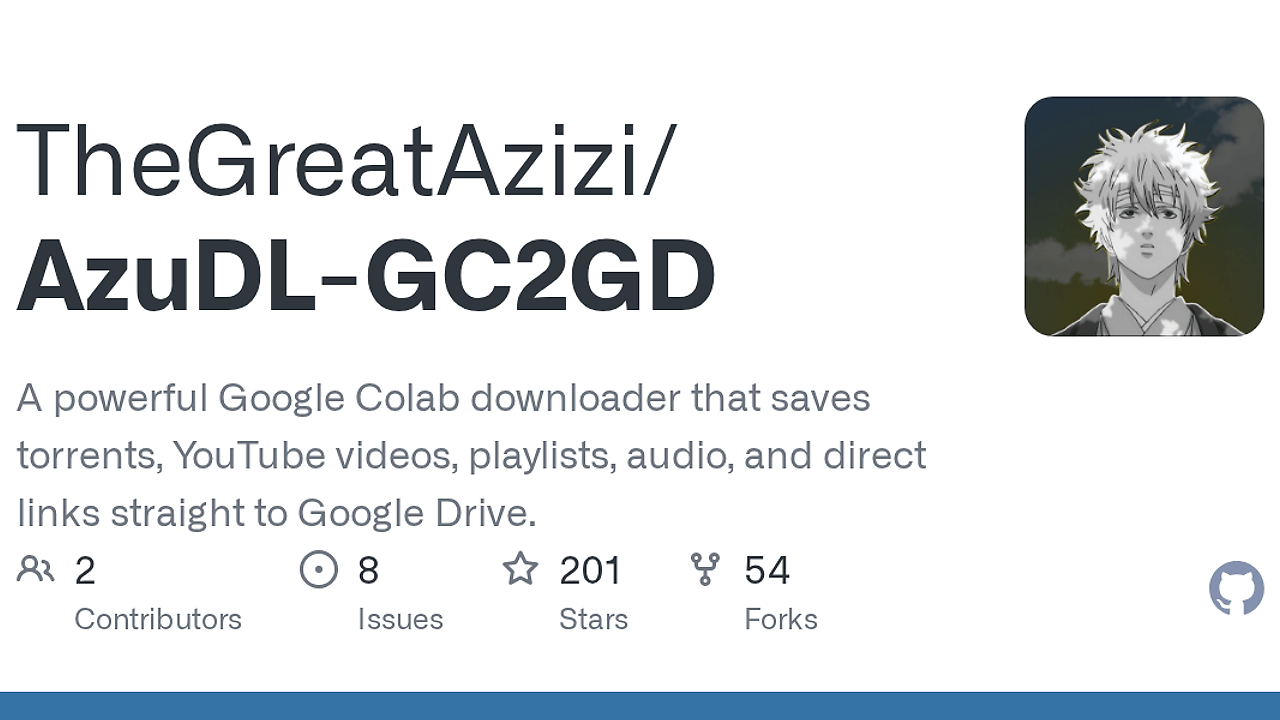
What Is AzuDl - GC2GD?
AzuDl - GC2GD is a Google Colab-based Colab Download Manager built by TheGreatAzizi that sends direct links, YouTube media, and torrent jobs straight into Google Drive. It is one of the best Colab Download Managers tools for developers, indie hackers, and power users, and the current README ships with version 1.3.0 GUI Beta, 11 tabs, and 17 main menu actions. This is not a single-purpose downloader; it is a notebook orchestration layer around aria2, yt-dlp, and Drive-backed storage.
The practical value is simple: it centralizes link handling, file organization, and resuming behavior in one Colab runtime. If your workflow mixes HTTP downloads, media extraction, and torrents, AzuDl - GC2GD removes the need to stitch together separate tools for each job.
Quick Overview
| Attribute | Details |
|---|---|
| Type | Colab Download Managers |
| Best For | Colab users, indie hackers, and developers who want Drive-backed downloads |
| Language/Stack | Google Colab, Python, aria2, yt-dlp, Google Drive |
| License | N/A |
| GitHub Stars | N/A as of Feb 2026 |
| Pricing | Open-Source |
| Last Release | 1.3.0 GUI Beta — N/A |
Who Should Use AzuDl - GC2GD?
- Colab-first builders who already run notebooks in Google Colab and want downloads to land in Google Drive instead of a local machine.
- Archive-focused developers who need direct links, YouTube playlists, and torrent artifacts organized under a consistent folder tree with history and hashes.
- Torrent users who care about resume behavior, duplicate InfoHash detection, and seeding visibility without running a full desktop client.
- Solo founders and indie hackers who want a fast way to move assets, media, and datasets into Drive for later processing.
Not ideal for:
- 24/7 seedbox workflows that need uninterrupted seeding, because Colab runtime limits still apply.
- Teams that want a headless daemon on their own infrastructure rather than a notebook tied to Google Colab.
- Users who only want a tiny terminal utility and do not need GUI tabs, Drive storage, or file-management helpers.
Key Features of AzuDl - GC2GD
- Auto link detection — AzuDl - GC2GD detects
magnet:?links, HTTP/HTTPS/FTP direct links, YouTube URLs, batch inputs, and local or remote.torrentfiles. That keeps the operator out of mode-switching hell and makes mixed queues easier to manage. - YouTube download pipeline — The YouTube tab supports video downloads, playlist downloads, quality selection, audio-only MP3 extraction, custom format IDs, and metadata handling. The README also documents an auto-fix path for video-only streams by attaching the best available audio.
- Torrent control surface — Magnet torrents,
.torrentfiles, private torrent mode, optional seeding, live progress, upload speed, ratio, seeder count, and connection count are all exposed in the torrent tools. Duplicate InfoHash detection and automatic duplicate cleanup reduce wasted bandwidth. - aria2 session persistence — AzuDl - GC2GD stores its session state in
/content/drive/MyDrive/AzuDl-GC2GD/Logs/aria2.sessionand uses--continue=true,--always-resume=true,--save-session,--input-file, and--force-save=truefor resume-friendly behavior. That is the main reason it can recover unfinished tasks after a Colab reset. - Drive-native folder layout — Downloads are split into
TorrentDownloads,YouTubeDownloads,DirectDownloads,BatchDownloads,Archives, andLogsunder/content/drive/MyDrive/AzuDl-GC2GD. This avoids a messy single-bucket dump and makes later cleanup predictable. - File maintenance tools — The Files and Archives tabs can list downloaded files, show the latest file, calculate SHA256 for the latest or selected file, and ZIP a folder or the latest folder. These are useful when the notebook is acting as a staging box for later automation.
- Tabbed GUI beta — Version 1.3.0 GUI Beta adds a widget-based Colab interface with Dashboard, Auto, Direct, YouTube, Torrent, Batch, Files, Archives, Maintenance, Developer, and Guide tabs. The classic CLI still exists, but the GUI is now the default entry point.
AzuDl - GC2GD vs Alternatives
| Tool | Best For | Key Differentiator | Pricing |
|---|---|---|---|
| AzuDl - GC2GD | Colab-based downloads into Google Drive | Notebook UI, aria2 session persistence, and built-in YouTube plus torrent handling | Open-Source |
| JDownloader | Desktop bulk downloads on a local machine | Mature desktop client with browser integration and broad host support | Open-Source |
| yt-dlp | Scriptable YouTube and media extraction | Best-in-class extractor and format selector for video workflows | Open-Source |
| aria2 | Minimal headless download engine | Fast, low-level transfer engine for HTTP, FTP, and BitTorrent | Open-Source |
Pick JDownloader if you want a long-running desktop app with a local GUI and browser-capture workflows. Pick yt-dlp if the only problem is video extraction and you plan to orchestrate storage yourself.
Pick aria2 if you want a bare engine and are comfortable building your own wrapper around it. If you want that wrapper outside notebooks, browse all DevOps Automation tools is a better place to look. If you are terminal-first and want a minimal command surface, browse all CLI Tools is the more relevant browse path.
How AzuDl - GC2GD Works
AzuDl - GC2GD runs inside a Colab notebook, mounts Google Drive, and routes each input through a simple dispatcher that classifies the link type before choosing the download path. Direct files and torrents are handled by aria2, while YouTube jobs are handled by yt-dlp for metadata, format selection, playlist expansion, and audio extraction. Google Drive is the persistence layer and final sink, so outputs land under a known path instead of a temporary runtime directory.
The torrent path is the most stateful part of the design. AzuDl - GC2GD saves aria2 state into Drive, detects existing torrent tasks by InfoHash, and avoids duplicate imports by resuming existing jobs where possible. That design matters in Colab because runtime resets are expected, and the notebook has to rely on persisted session files rather than RAM.
The GUI beta wraps the same core logic in Colab widgets and tabbed controls. That means the interface changed, but the execution model did not: the notebook still orchestrates aria2, yt-dlp, Drive folders, history, ZIP creation, and SHA256 checks from the same runtime.
launch_gui()

# or force the classic menu flow:
# import os
# os.environ['AZUDL_INTERFACE'] = 'cli'
# main()
The first line opens the Colab widget interface and exposes the tabbed controls. The fallback path keeps the older menu-driven flow available for users who prefer numbered actions over widgets.
Pros and Cons of AzuDl - GC2GD
Pros:
- One notebook for multiple transfer types — AzuDl - GC2GD covers direct links, YouTube, torrents, batch jobs, and file cleanup without forcing you to jump between tools.
- Resume-friendly torrent behavior — aria2 session persistence and saved task state make interrupted jobs recoverable after a Colab disconnect.
- Drive-first output model — files land directly in a predictable Google Drive structure, which is useful for later scripts, sharing, or post-processing.
- Useful operational metadata — live progress, upload speed, ratio, seeder counts, history, and SHA256 checks give you more than a simple progress bar.
- GUI and CLI coexist — the notebook keeps the old menu mode while adding a GUI beta, so existing users are not forced into a single workflow.
Cons:
- Colab runtime limits still apply — AzuDl - GC2GD does not bypass idle disconnects or long-session policies, so it cannot behave like an always-on daemon.
- GUI is still beta — the widget interface is useful, but it is not the same as a mature desktop application with years of polish.
- Not a seedbox replacement — the README is explicit that long-term torrent seeding belongs on a VPS or seedbox, not inside a temporary notebook runtime.
- Google Drive quotas matter — if your Drive storage is near capacity, the downloader is constrained by the storage backend rather than by aria2 or yt-dlp.
Getting Started with AzuDl - GC2GD
from google.colab import drive
drive.mount('/content/drive')

!git clone https://github.com/TheGreatAzizi/AzuDL-GC2GD.git
%cd AzuDL-GC2GD

launch_gui()
Mounting Drive creates the persistence layer that AzuDl - GC2GD depends on for downloads, logs, and the aria2 session file. After the notebook loads, the GUI opens on the Dashboard and you can move to Auto, Direct, YouTube, Torrent, or Batch depending on the input type.
If you prefer the older numbered workflow, set AZUDL_INTERFACE to cli before calling main(). The first run usually asks for Google authorization, and once that is complete the notebook will write to /content/drive/MyDrive/AzuDl-GC2GD and keep future jobs organized there.
Verdict
AzuDl - GC2GD is the strongest option for Colab-based downloads into Google Drive when you need one notebook to handle HTTP links, YouTube, and torrents in the same session. Its best strength is aria2 session persistence plus Drive-backed storage, and its main caveat is Google Colab runtime limits. Use it for bursty, file-moving workflows, not long-lived seedboxes.