What Is Writer?
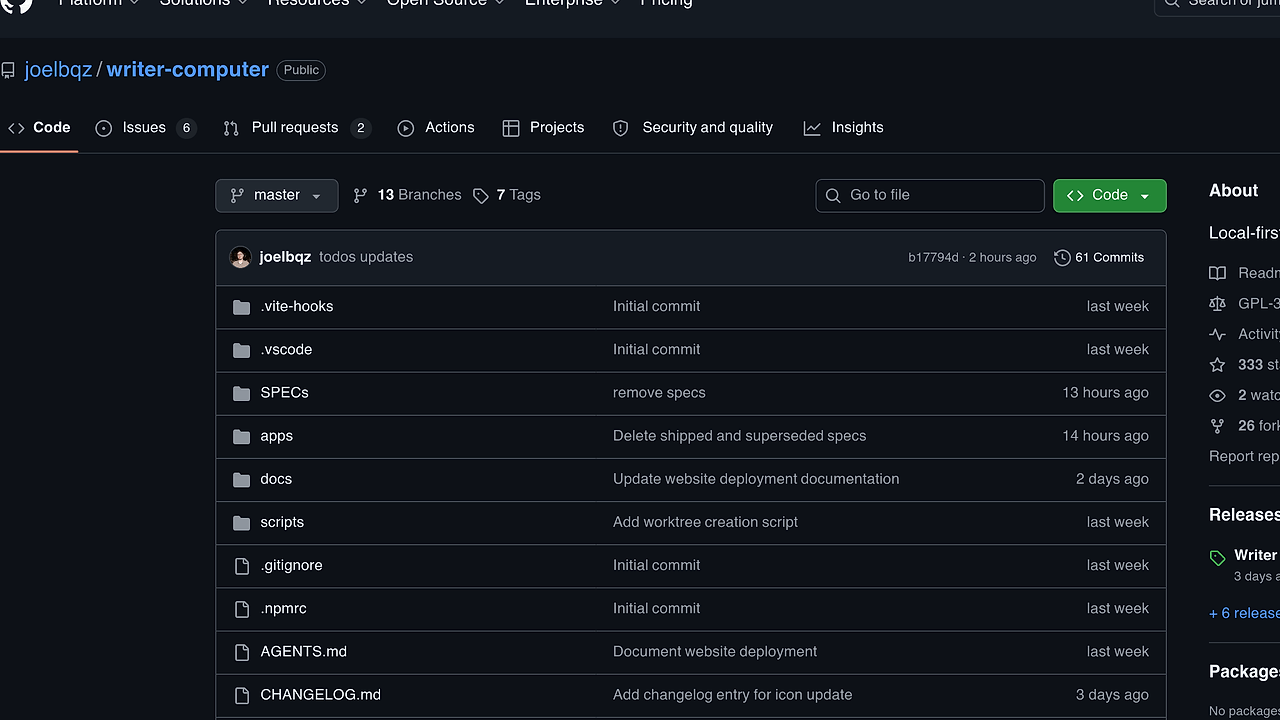
Writer is a local-first desktop markdown editor built by joelbqz for folders of plain-text notes, docs, and personal wikis. It is one of the best Desktop Markdown Editors tools for developers, indie hackers, and technical writers, and the app is assembled from five named layers: Tauri v2, React, Zustand, CodeMirror, and Rust. The repo also documents a signed macOS release flow, which matters if you ship the app to real users instead of treating it as a side project.
Writer is designed around files on disk rather than a proprietary sync backend. That makes it a practical fit for teams that already live in Git, work in editor-backed knowledge bases, or want a note app that does not trap content behind an account wall.
Quick Overview
| Attribute | Details |
|---|---|
| Type | Desktop Markdown Editors |
| Best For | Local-first note vaults, docs folders, and personal wikis |
| Language/Stack | Tauri v2, React, Zustand, CodeMirror, Rust |
| License | N/A in the provided repo text |
| GitHub Stars | N/A as of Feb 2026 |
| Pricing | Open-Source |
| Last Release | N/A |
Who Should Use Writer?
- Solo developers maintaining a
notes/ordocs/folder who want a desktop app that edits the same files they commit to Git. - Indie hackers building an internal wiki, roadmap notebook, or product research vault that needs markdown tables, Mermaid diagrams, and fast local editing.
- Technical writers who want one workspace for plain-text documentation without handing source content to a cloud service.
- Platform or DevEx teams that need a shareable local editor pattern for design notes, runbooks, and architecture docs.
Not ideal for:
- Teams that need real-time multiplayer collaboration, comments, or permissioned web sharing.
- Users who expect a large plugin marketplace, cloud sync service, or mobile-first experience out of the box.
- Organizations that require explicit license metadata, security attestations, or a published release cadence before adoption.
Key Features of Writer
- Local-first file storage — Writer keeps documents on disk, so the source of truth is a normal folder instead of an app-specific database. That makes backup, Git review, and migration simple because the files remain portable.
- Workspace-aware
.gitignorehandling — The watcher respects workspace ignore rules, which keeps generated assets, build output, and private files out of the editor’s active surface. For developer workflows, that is the difference between a clean note vault and a noisy file browser. - Multi-window editing — Writer supports multiple windows, which is useful when you want one pane for notes and another for references or a separate workspace. This also reduces context switching compared with single-window editors that force tab juggling.
- Extended Markdown rendering — Writer renders tables and Mermaid diagrams, so documentation can stay in markdown instead of splitting into screenshots or external diagram tools. That matters for engineering docs, ADRs, and runbooks that need structured visuals.
- Tauri + Rust backend — The app uses Tauri v2 with Rust commands in
apps/desktop/src-tauri/src/, which gives the desktop shell a small surface area and keeps filesystem logic close to the OS. The architecture is well suited to watcher tasks, updater plumbing, and CLI integration. - CodeMirror editing surface — CodeMirror handles the text editor experience in the React frontend. That gives Writer a mature code-editor foundation for keyboard-driven editing, syntax-aware behavior, and a layout that feels closer to a terminal-first workflow than a rich-text app.
- Signed macOS release flow — The repo documents local macOS distribution through
scripts/distribute.shand notarized release steps indocs/releasing.md. That is a useful signal for teams that care about shipping signed binaries instead of ad hoc dev builds.
Writer vs Alternatives
| Tool | Best For | Key Differentiator | Pricing |
|---|---|---|---|
| Writer | Local-first markdown folders and personal wikis | Files stay on disk, with .gitignore support and Tauri/Rust desktop architecture | Open-Source |
| Obsidian | Rich knowledge graphs and plugin-heavy note taking | Larger ecosystem and mature sync story | Freemium |
| Logseq | Outliner-style notes and graph-linked knowledge bases | Block-based workflow with strong open-source community | Open-Source |
| Mnemosyne | Recall-oriented note capture and memory workflows | Better fit when the workflow is about structured retention rather than folder-first editing | N/A |
Pick Writer vs Obsidian when you want a smaller, file-native editor and do not need a deep plugin ecosystem. Obsidian is better if your team wants a broad extension market, sync products, and graph-centric workflows.
Pick Writer vs Logseq when you want a conventional markdown editor instead of a block-first outliner. Logseq is the better choice if your personal wiki depends on block references, backlinks, and a more opinionated knowledge graph.
Pick Writer over Mnemosyne when the job is editing folders of markdown files, not just capturing memory or recall. If you want to keep the files local and feed a curated workspace into AI tools later, Writer pairs well with Claude Context Mode for controlled context handoff, and it fits neatly into the broader browse all Desktop Markdown Editors tools category.
How Writer Works
Writer works as a split-stack desktop app: the React frontend in apps/desktop/src/ handles the UI, while the Rust layer in apps/desktop/src-tauri/src/ handles workspace state, filesystem watching, updater logic, and command execution. That separation keeps the rendering layer lightweight and pushes disk-aware behavior into the native side where file events and process boundaries are easier to manage.
The core abstraction is a workspace that maps to a real folder on disk. Writer watches that folder, respects .gitignore, and updates the UI when files change, which means the editor behaves more like a workspace manager than a cloud document app. The choice of CodeMirror gives the text surface a proven editing engine, while Zustand keeps front-end state small and explicit instead of turning the app into a global-state maze.
A typical development loop looks like this:
git clone https://github.com/joelbqz/writer-computer.git
cd writer-computer
vp install
vp dev
This starts the repo using the documented vp workflow instead of calling package-manager or Vite commands directly. After startup, Writer should open the desktop app against a local workspace, and you can verify the Rust side with cargo test, cargo clippy, and cargo fmt --check from apps/desktop/src-tauri.
Pros and Cons of Writer
Pros:
- Files remain portable because Writer stores notes on disk, so Git, backups, and migrations stay straightforward.
- Lower mental overhead than cloud note apps because the workspace is just a folder with markdown files.
- Git-aware behavior reduces noise from ignored files and generated artifacts.
- Better documentation fit thanks to table and Mermaid rendering in plain markdown.
- Native desktop architecture via Tauri and Rust keeps filesystem and updater logic close to the OS.
- Multi-window support makes side-by-side editing practical for docs, research, and references.
Cons:
- No visible sync service is documented in the provided text, so cross-device workflows are on you.
- No plugin ecosystem is described, which limits extensibility compared with Obsidian.
- No mobile client is mentioned, so this is a desktop-only workflow from the available repo text.
- License and release metadata are sparse in the page text, so procurement teams will need to inspect the repository before adoption.
- Collaboration features are not advertised, so Writer is not the right pick for shared live editing.
Getting Started with Writer
The fastest way to try Writer is to clone the repo, install dependencies with the documented vp workflow, and boot the desktop app from the workspace root. If you need to validate the native side too, the repository also documents Rust checks from apps/desktop/src-tauri.
git clone https://github.com/joelbqz/writer-computer.git
cd writer-computer
vp install
vp dev
After the app launches, point it at a real folder of markdown files so you can test watcher behavior, table rendering, and Mermaid support against your own content. If you plan to modify the Rust backend, run cargo test, cargo clippy, and cargo fmt --check before shipping changes.
Verdict
Writer is the strongest option for local-first markdown editing when your source of truth is a real folder of plain-text files and you want Tauri-backed desktop behavior instead of a cloud note service. Its biggest strength is clean on-disk workflows; the main caveat is the absence of documented sync, licensing, and plugin depth. Choose Writer if file portability matters more than ecosystem size.