What Is Wallpaper Engine?
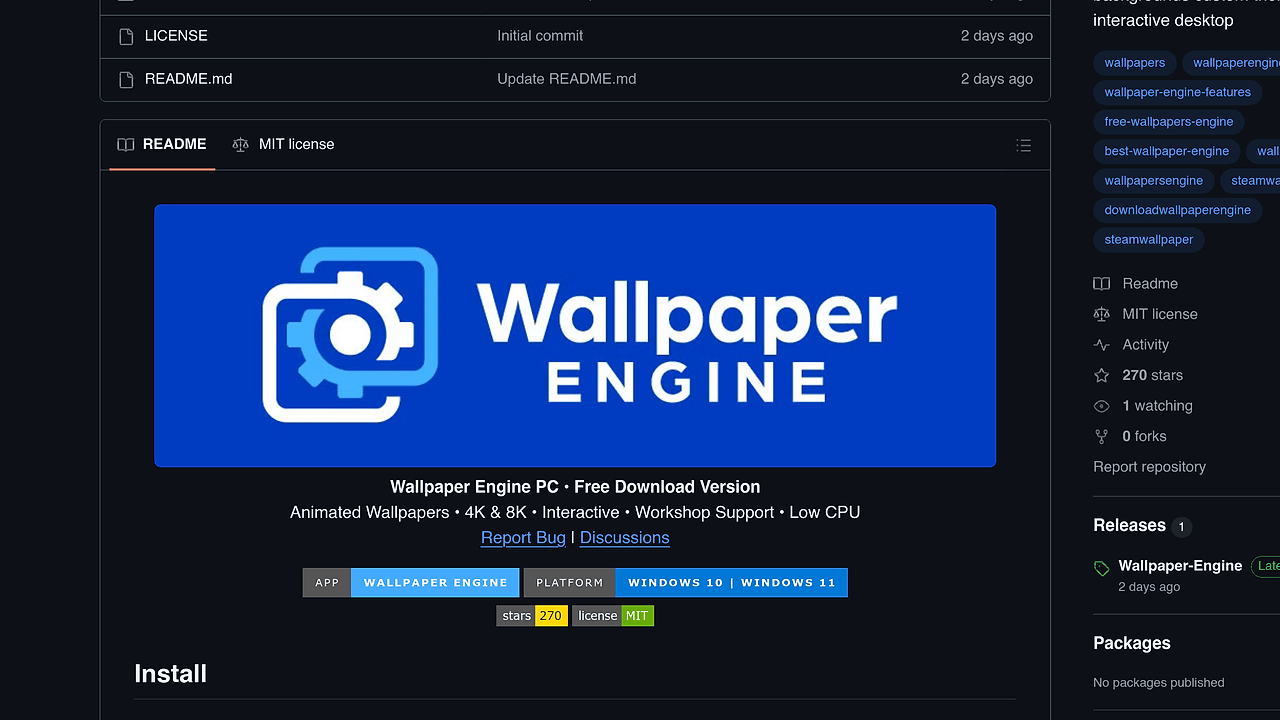
Wallpaper Engine is a Windows live-wallpaper tool published by the wallpapers-engine GitHub community repo, and it is one of the best Live Wallpaper Tools for Windows 10/11 desktop users. It renders animated, interactive, and video wallpapers with 4K/8K support, Steam Workshop content, audio reactivity, and low CPU usage. The appeal is simple: replace static desktop backgrounds with wallpapers that actually respond to input, sound, and multi-monitor layouts.
Quick Overview
| Attribute | Details |
|---|---|
| Type | Live Wallpaper Tools |
| Best For | Windows 10/11 desktop users |
| Language/Stack | Windows desktop app with animated scenes, video wallpapers, Steam Workshop content, and RGB integrations |
| License | N/A |
| GitHub Stars | N/A as of Feb 2026 |
| Pricing | Free |
| Last Release | N/A |
Who Should Use Wallpaper Engine?
- Windows power users who want a desktop that is more than a static image and do not mind running a background renderer that can pause on fullscreen apps.
- Indie hackers and creators who want a visually distinct setup for streaming, screenshots, demos, or recording without building a custom compositor layer.
- RGB-heavy desktop builders using Razer Chroma or Corsair iCUE who want wallpapers to sync with the rest of the machine’s lighting stack.
- Multi-monitor users who want separate wallpapers per display and a background engine that can handle different aspect ratios without manual image slicing.
Not ideal for:
- Linux or macOS users who need native support, because Wallpaper Engine in this build is Windows-only.
- People who want a fully audited upstream project with a clear open-source license and a conventional release process.
- Users with very old GPUs or laptops on battery who want zero background rendering overhead and maximum power savings.
Key Features of Wallpaper Engine
- Animated and interactive wallpapers — Wallpaper Engine supports live scenes instead of static JPG or PNG backgrounds. That means the desktop can animate, react to mouse input, and change state without replacing the shell.
- Steam Workshop support — The tool can pull from a large ecosystem of community-made wallpapers. That matters because content quality and variety are usually the real bottleneck in live wallpaper apps, not the renderer itself.
- 4K, 8K, and Ultra HD output — Wallpaper Engine is built for high-density displays and large ultrawide monitors. If you run 1440p or 4K panels, you avoid the blurry scaling artifacts common in lower-end wallpaper apps.
- Low CPU and GPU usage — The page explicitly calls out low CPU usage, which is the difference between a wallpaper tool you forget about and one that drags every fan curve upward. For desktop animation software, idle cost is the metric that decides whether the tool survives a week on a daily driver.
- Audio visualizer wallpapers — Wallpaper Engine can react to sound, which makes it useful for music-focused setups, stream rooms, and demo desks. The wallpaper becomes a simple real-time visualization layer rather than a passive image.
- Custom scene creation — The app supports user-created scenes, which means you are not limited to downloaded assets. In practice, that lets teams prototype branded desktops, client kiosks, or themed rigs with a reproducible asset pipeline.
- Multi-monitor and hotkey control — Wallpaper Engine supports multiple monitors and can auto-pause on fullscreen apps. That combination matters for gaming and presentation workflows because it keeps wallpapers from wasting cycles when the machine is doing something more important.
Wallpaper Engine vs Alternatives
| Tool | Best For | Key Differentiator | Pricing |
|---|---|---|---|
| Wallpaper Engine | Windows users who want a large library of live wallpapers | Workshop-driven ecosystem with audio reactivity and RGB integrations | Free |
| Lively Wallpaper | Users who want a lighter, open-source live wallpaper option | Simpler, open-source approach with a smaller ecosystem | Open-Source |
| Rainmeter | Desktop customization and system widgets | Focuses on widgets, monitors, and skins instead of wallpaper-first animation | Open-Source |
| DeskScapes | Users who want a commercial wallpaper product | Polished paid wallpaper suite with a more traditional support model | Paid |
Pick Wallpaper Engine when you care about the content ecosystem and want the widest set of community wallpapers without building your own media pipeline. If you want an open-source alternative with a cleaner codebase and fewer moving parts, browse all desktop customization tools and compare it with tools like browse all Windows tools before you commit.
Choose Lively Wallpaper if you want something simpler and easier to audit. Choose Rainmeter if your real goal is a skinnable desktop with system meters, launchers, and widgets rather than animated backgrounds. Choose DeskScapes if you prefer a paid desktop product with a more traditional commercial support path.
How Wallpaper Engine Works
Wallpaper Engine works like a wallpaper runtime rather than a static theme pack. It loads animated assets, scene data, or video-based backgrounds and then renders them behind the desktop while respecting multi-monitor layouts, pause rules, and fullscreen behavior. The practical abstraction is not a single image file; it is a wallpaper project that can include motion, audio response, and per-display behavior.
The design is optimized for staying out of the way while still being configurable. That is why features like auto pause on fullscreen, hotkey control, and multi-monitor support matter as much as the visuals themselves. For a desktop app, the best architecture is the one you never notice during work or gaming, and Wallpaper Engine is clearly shaped around that constraint.
Expand-Archive ./Wallpaper-Engine.zip -DestinationPath ./Wallpaper-Engine
Start-Process ./Wallpaper-Engine/WallpaperEngine.exe -Verb RunAs
The first command unpacks the release archive into a local folder, and the second launches the app with administrator privileges, which the page explicitly recommends. After that, you select a wallpaper, apply it to a monitor, and let the app manage playback and pausing behavior in the background. If you want Workshop-style browsing, sync, or hardware lighting integration, expect to spend a few minutes wiring those options in after the first launch.
Pros and Cons of Wallpaper Engine
Pros:
- Excellent visual variety — the Workshop-backed content pool gives Wallpaper Engine a huge surface area for finding polished wallpapers without authoring everything yourself.
- High-resolution support — 4K and 8K output is a real advantage on modern panels where bad scaling shows immediately.
- Low idle overhead — the app is explicitly positioned as low CPU usage, which is the right priority for always-on desktop software.
- Multi-monitor aware — separate wallpaper handling per display is practical for ultrawide plus secondary monitor setups.
- Hardware ecosystem support — Razer Chroma and Corsair iCUE integration make it a better fit for enthusiast rigs than generic wallpaper tools.
- User-generated scenes — custom scene creation means teams can build branded or thematic desktop experiences instead of just downloading presets.
Cons:
- Unofficial distribution — this GitHub build is not affiliated with Steam, Valve, or the original Wallpaper Engine developers, so provenance matters.
- Windows-only — there is no native support for Linux or macOS in the scraped page.
- Admin launch requirement — running
WallpaperEngine.exeas Administrator is a friction point for locked-down corporate machines. - License and release metadata are unclear — the page does not provide a clean license statement or versioned changelog in the scraped text.
- Can still cost power on weak hardware — even a low-overhead wallpaper engine is not free on old laptops or battery-sensitive machines.
Getting Started with Wallpaper Engine
Expand-Archive ./Wallpaper-Engine.zip -DestinationPath ./Wallpaper-Engine
Start-Process ./Wallpaper-Engine/WallpaperEngine.exe -Verb RunAs
After the app launches, pick a wallpaper from the available library and assign it to the desired monitor. Wallpaper Engine also exposes the settings you would expect for pausing on fullscreen, audio-reactive behavior, and multi-display placement, so the first pass should be to tune those defaults for your actual workstation. If you want the cleanest setup, start with one monitor and a non-interactive wallpaper, then add audio and Workshop content after confirming the baseline idle cost is acceptable.
The only real configuration that matters up front is whether you want the app to stay active during gaming and whether you want separate wallpapers per display. On a dev machine, the best test is simple: open your browser, launch a fullscreen game, and watch whether the wallpaper pauses correctly without leaving artifacts or stutter behind.
Verdict
Wallpaper Engine is the strongest option for Windows desktop customization when you want animated, interactive wallpapers with Workshop content and hardware lighting hooks. Its biggest strength is the content ecosystem plus low idle overhead, but the caveat is that this GitHub build is unofficial and Windows-only. Use it if you want the feature set, and buy the original if you want to support the developers.