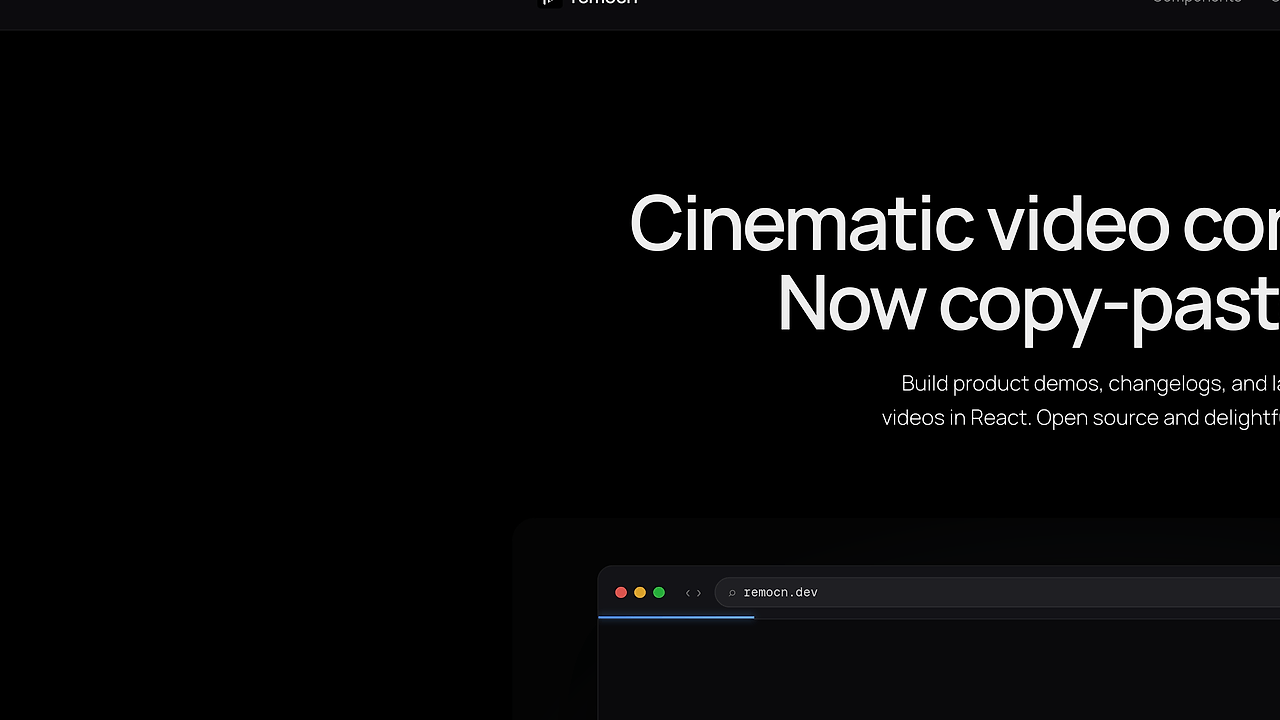
What Is remocn?
remocn is a Remotion registry built by kapishdima that ships 64+ production-ready animations, transitions, backgrounds, UI blocks, and full scenes for video teams. remocn is one of the best Remotion Registries tools for solo builders and small teams shipping product demo videos because it converts shadcn-style installs into owned TSX components instead of custom motion work.
Quick Overview
| Attribute | Details |
|---|---|
| Type | Remotion Registries |
| Best For | solo builders and small teams shipping product demo videos |
| Language/Stack | Remotion 4.0, React 19, Next.js 16, Tailwind CSS 4, shadcn registry format, Bun |
| License | MIT |
| GitHub Stars | N/A |
| Pricing | Open-Source |
| Last Release | N/A |
Who Should Use remocn?
- Solo founders and indie hackers building launch trailers, changelogs, or feature walkthroughs who want polished motion without spending a day tuning easing curves.
- Small product teams that need repeatable video blocks for release announcements, pricing explainers, onboarding clips, and demo reels.
- Frontend engineers already using React and Remotion who want reusable TSX primitives instead of editing every frame by hand.
- Agencies and freelancers who need to ship client video assets quickly while still keeping source code in the repo.
Not ideal for:
- Teams that want a drag-and-drop editor instead of source-code components.
- Projects that are not already using Remotion or are unwilling to maintain a React-based video pipeline.
- Non-technical marketers who need something they can edit without touching TypeScript.
Key Features of remocn
- shadcn-style registry installs — You add primitives with
npx shadcn@latest add @remocn/blur-reveal, then the component lands in your codebase as editable TSX. That means no runtime dependency, no opaque package behavior, and no wait for a registry maintainer when you need a one-line tweak. - 64+ production-ready blocks — The catalog spans text animations, backgrounds, transitions, UI blocks, and full compositions. That breadth matters because it covers the boring parts of motion design, which is usually where teams waste time rebuilding the same curves, masks, and entrance states.
- Text animation primitives — Blur Reveal, Typewriter, Shimmer Sweep, Tracking In, Slot Machine Roll, Matrix Decode, RGB Glitch Text, and Kinetic Type Mask give you the common headline motions used in launch videos. These are the kinds of effects that usually require manual
interpolate()work and careful frame timing in Remotion. - Scene-level compositions — Product Launch Trailer, Hero Device Assemble, Changelog Bite, Pricing Tier Focus, Landing Code Showcase, Terminal to Browser Deploy, and Live Code Compilation are ready-made sequences, not just low-level widgets. That makes remocn useful when you need a full narrative structure instead of another isolated animation primitive.
- UI mockup and demo helpers — Glass Code Block, Terminal Simulator, Browser Flow, Toast Notification, Animated Charts, Code Diff Wipe, Device Mockup Zoom, Simulated Cursor, Morphing Modal, and Progress Steps help you stage product behavior without recording real screens. This is especially useful for SaaS demos where the real UI is too slow, too messy, or not ready yet.
- Ownership-first delivery model — remocn copies code into your repo, so you can refactor props, compose wrappers, or rip out animation logic as your design system changes. That is materially different from a hosted asset library because the source becomes part of your application, not a remote dependency.
- Docs and previews in the same app — The repo is a single Next.js app that serves both the registry endpoint at
/r/[name]and the docs catalog with interactive previews. For developers, that means you can inspect the component, preview the motion, and install it without leaving the code workflow.
remocn vs Alternatives
| Tool | Best For | Key Differentiator | Pricing |
|---|---|---|---|
| remocn | Product demos and launch videos in Remotion | Copy-paste registry components with owned TSX source | Open-Source |
| Remotion | Building videos directly with React | Lowest-level control, but you write most motion logic yourself | Open-Source |
| Motion Canvas | Code-first motion graphics and educational scenes | Strong animation authoring model, less focused on shadcn-style registry reuse | Open-Source |
| Manim | Mathematical or lecture-style animation | Python-first pipeline, better for diagrams than product UI demos | Open-Source |
Pick remocn when your bottleneck is not rendering, but productionizing recurring motion patterns for demos, launches, and UI explainers. Pick raw Remotion when you want maximum control over the timeline and are fine writing every layer yourself. If your motion work is more code-driven and educational, manim-web is closer to that workflow than a product-video registry.
If you are already writing React components for your video stack, remocn is the faster path to shipping. When the generated TSX needs cleanup or variant generation, Claude Code Canvas fits well because you are still editing ordinary source files instead of locked assets.
How remocn Works
remocn uses the shadcn registry pattern: each component is defined as source code, published through a registry endpoint, and copied into your project on install. The core abstraction is not a black-box plugin; it is a set of reusable React components and scene compositions that sit on top of Remotion timing primitives, frame-based interpolation, and player-driven previews.
That design choice matters because video motion is mostly a source-control problem. Once the code is local, you can extract shared easing helpers, swap in your own design tokens, or rewrite the transition system without waiting on an upstream package release. The repo also exposes a /r/[name] registry path, which is how shadcn add resolves the component metadata and source payload.
A typical install flow looks like this:
npx create-video@latest my-demo
cd my-demo
npx shadcn@latest add @remocn/blur-reveal
After that, the component is copied into components/remocn/blur-reveal.tsx, and you own the implementation. Expect to wire it into a <Composition /> or a scene wrapper, then tune props such as duration, easing, colors, and typography to match your brand system.
Pros and Cons of remocn
Pros:
- Fast path from idea to render — You can assemble a demo video from prebuilt scenes instead of authoring every transition and text effect from scratch.
- Code ownership — Installed components live in your repo, so you can refactor them, version them, or delete them without waiting on a package release.
- Wide motion coverage — The library spans text, backgrounds, wipes, UI overlays, and full compositions, which reduces context switching between tools.
- Good fit for React teams — The stack aligns with standard frontend workflows, so the learning curve is lower than switching to a separate motion authoring environment.
- No runtime dependency lock-in — The shadcn-style approach avoids a remote component runtime and keeps the output deterministic in your build pipeline.
Cons:
- No visual editor — remocn is source-code first, so non-developers will not get a drag-and-drop experience.
- Requires a Remotion project — If you are not already using React-based video rendering, you will have to set up the surrounding stack first.
- Motion quality still depends on implementation discipline — The library gives you polished primitives, but composition mistakes can still produce awkward pacing or overloaded scenes.
- Scope is video primitives, not a full NLE — remocn helps you build scenes and transitions, but it does not replace a full nonlinear editor for timeline-heavy post-production.
- Premium roadmap may split the catalog later — The page says premium blocks and a video builder are planned, so the current free surface area may not stay flat forever.
Getting Started with remocn
The fastest start is to create a Remotion project, then add one registry component and render a simple scene. This is the shortest path if you want to validate the library before committing to a larger motion system.
npx create-video@latest my-demo
cd my-demo
npx shadcn@latest add @remocn/blur-reveal
bun run dev
After the install, remocn copies the component into your project and you can import it like any local React file. If you already have a Remotion app, skip create-video and add a second primitive such as a terminal scene or transition wipe, then test it in the Remotion player before wiring it into your final composition.
Verdict
remocn is the strongest option for shipping polished Remotion demos when you want code ownership and fast composition. Its biggest strength is the shadcn-style copy-paste workflow; the caveat is that it still requires a React and Remotion codebase. Recommended for engineers who want control and speed without vendor lock-in.