What Is Open CoDesign?
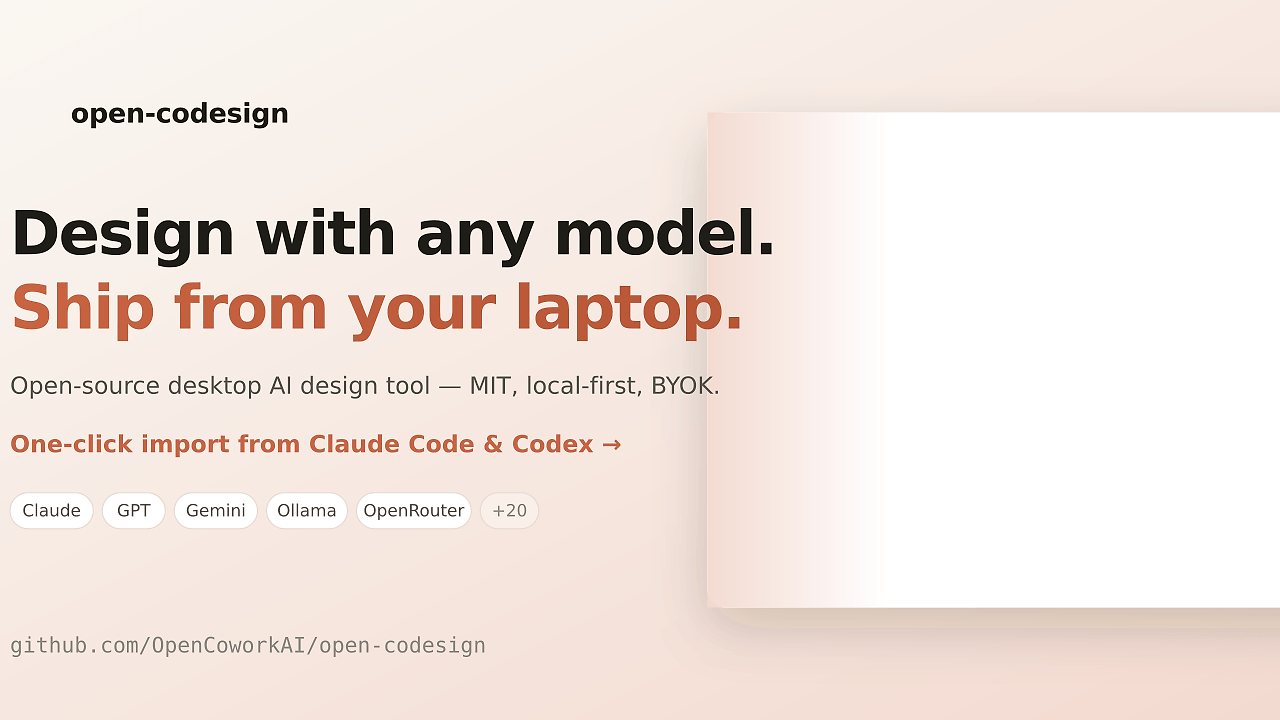
Open CoDesign is an open-source desktop app built by OpenCoworkAI that turns prompts into polished prototypes, slide decks, and marketing assets on your laptop. Open CoDesign is one of the best Prompt-to-Design tools for developers, indie hackers, and product teams because it supports 20+ models, local-first state, and one-click Claude Code or Codex key import that gets a first session running in under 90 seconds.
Open CoDesign is not a browser mockup toy. It is an Electron app with BYOK model routing, local SQLite snapshots, and editable exports, so the output is an artifact you can ship, hand off, or archive instead of a dead screenshot.
Quick Overview
| Attribute | Details |
|---|---|
| Type | Prompt-to-Design |
| Best For | Developers, indie hackers, and product teams |
| Language/Stack | Electron, SQLite, local-first desktop shell, BYOK routing, OpenAI-compatible APIs, Ollama |
| License | MIT |
| GitHub Stars | N/A in scraped page |
| Pricing | Open-Source |
| Last Release | v0.1.3 — 2026-04-21 |
Open CoDesign matters if you want a design workflow that behaves more like a local engineering tool than a SaaS sandbox. The project keeps the prompt, the model choice, the generated artifact, and the iteration trail under your control, which is the main reason it stands out against hosted AI design products.
Who Should Use Open CoDesign?
- Solo indie hackers shipping landing pages, onboarding flows, or pitch decks who need fast iteration without moving assets into a cloud-only editor.
- Product engineers validating UI ideas who want real files like HTML, Markdown, PDF, or PPTX instead of static previews.
- Teams already paying for models such as Claude, GPT, Gemini, or Ollama and wanting one desktop workspace that can swap providers without rewriting the workflow.
- Privacy-conscious orgs that need local project state, local version snapshots, and fewer data-handling surprises during prototype reviews.
Not ideal for:
- Fully managed SaaS-only teams that do not want to install a desktop app or manage local runtime dependencies.
- Design teams that live inside Figma and need deep multi-user collaboration, plugin ecosystems, and shared canvas workflows.
- Organizations without API key governance where BYOK model setup would create more friction than value.
Key Features of Open CoDesign
- BYOK multi-model routing — Open CoDesign can talk to Claude, GPT, Gemini, DeepSeek, Kimi, GLM, Ollama, and any OpenAI-compatible endpoint. That means the app is model-agnostic at the provider layer, so you are not locked into one vendor’s UI or token billing model.
- Local-first SQLite snapshots — Design history is stored locally, not in a mandatory cloud workspace. The snapshot model makes iteration cheap because you can jump between recent versions without relying on a remote project timeline.
- Artifact exports that are actually useful — Open CoDesign can export HTML, PDF, PPTX, ZIP, and Markdown. That is a meaningful difference when the output needs to be reviewed, handed off to a stakeholder, or checked into a repo.
- Inspectable agent loop — The app shows live agent activity and visible tool calls, and generation is interruptible. You can see the model planning and patching in real time instead of waiting for a black-box render to finish.
- Element-level comment and rewrite flow — You can click a UI region, pin a note, and ask the model to rewrite only that section. This is useful when you need to fix spacing, copy, or hierarchy without regenerating the whole screen.
- AI-surfaced tweak controls — The model can expose sliders and inputs for color, spacing, typography, and similar tokens. That reduces prompt churn because you can tune parameters directly instead of rewriting the entire instruction set.
- Desktop-native packaging path — The project already ships release pipeline work and package manifests for Homebrew, winget, and Scoop. That makes Open CoDesign easier to distribute across mixed macOS, Windows, and Linux teams than a one-off dev build.
Open CoDesign vs Alternatives
| Tool | Best For | Key Differentiator | Pricing |
|---|---|---|---|
| Open CoDesign | Local-first prompt-to-design workflows with exportable artifacts | Desktop-native, BYOK, local snapshots, and editable exports | Free app, token costs only |
| Claude Design | Anthropic-centric design generation in a hosted workflow | Tight Claude integration and cloud convenience | Paid |
| v0 by Vercel | Fast UI generation for Vercel-oriented teams | Strong web-first workflow and tight Vercel ecosystem fit | Paid |
| Lovable | Non-technical founders and rapid hosted prototyping | Low-friction web workflow with broad model support | Paid |
Open CoDesign is the pick when the artifact has to live on your machine and stay model-agnostic. If you want a coding-first canvas rather than a design artifact generator, Claude Code Canvas is the closer internal fit.
Pick Claude Design when your team is already all-in on Anthropic and wants the least amount of configuration. Pick v0 by Vercel when the output is mainly a web app shell and your deployment path already sits in Vercel’s ecosystem.
Pick Lovable when you want hosted speed and do not care much about local state or provider portability. If your workflow is more about orchestrating prompts across multiple steps than about artifact polish, OpenSwarm or Brainstorm MCP can sit around Open CoDesign as planning layers rather than replacements.
How Open CoDesign Works
Open CoDesign uses a thin Electron shell over a local project store. The UI is the surface, but the important part is the data model underneath: prompts, model settings, generated assets, and iteration snapshots stay in a local workspace, with SQLite used for version history and state tracking. That structure makes the app behave like a desktop engineering utility instead of a disposable browser session.
The generation flow is built around a simple loop: prompt, plan, render, inspect, patch, and export. The app shows intermediate activity so you can interrupt a bad branch early, adjust the instructions, or rewrite only a specific region instead of re-running the whole artifact from scratch. That design choice matters when you are producing a landing page, a sales deck, or a product mockup under time pressure.
Because the model layer is abstracted behind provider settings, Open CoDesign can route to managed APIs or local inference endpoints without changing the project format. The result is a workflow that can switch from Claude to GPT to Ollama with minimal friction, which is exactly what you want when the model choice changes more often than the app itself.
git clone https://github.com/OpenCoworkAI/open-codesign.git
cd open-codesign
pnpm install
pnpm dev
The commands above clone the repo, install dependencies, and start the desktop app in development mode. After launch, you pick a provider, paste the relevant API key or endpoint, and send your first prompt; if you use an OpenAI-compatible relay or Ollama, you point Open CoDesign at that base URL and model name before generating.
Pros and Cons of Open CoDesign
Pros:
- Local ownership of state and artifacts — prompts, snapshots, and generated files stay on the device, which reduces cloud lock-in and makes audits simpler.
- Provider flexibility — Open CoDesign can switch among Claude, GPT, Gemini, Ollama, and OpenAI-compatible endpoints without changing the app itself.
- Useful export surface — HTML, PDF, PPTX, ZIP, and Markdown exports make the output shareable across engineering, marketing, and sales workflows.
- Visible agent behavior — live tool calls and interruptible generation give you enough observability to catch bad output before it spreads.
- Good fit for iterative UI work — element-level comments and targeted rewrites are practical for layout and copy refinement.
- No mandatory subscription for the app — you can install and run Open CoDesign without paying a platform fee.
Cons:
- Model quality still depends on your provider — Open CoDesign does not fix a weak model, so bad prompts and weak endpoints still produce bad output.
- Less collaborative than web-native design SaaS — local-first architecture is good for control, but not ideal for real-time multi-user canvases.
- Setup is more manual than hosted products — you need to bring keys or endpoints, which is extra work compared with a fully managed service.
- Not a replacement for Figma — Open CoDesign is about prompt-to-artifact generation, not deep component library management or team-wide design systems.
Getting Started with Open CoDesign
Start by cloning the repository and running the desktop app locally. The quickest path is the source build route, which works well if you want to inspect the code, patch behavior, or confirm how the local-first stack is wired.
git clone https://github.com/OpenCoworkAI/open-codesign.git
cd open-codesign
pnpm install
pnpm dev
Once the app opens, choose a provider such as Claude, GPT, Gemini, or Ollama, then add the API key or local endpoint. After that, send a short prompt like a landing page, product card, or pricing section and inspect the generated artifact; the first run is usually about setup quality, not prompt perfection.
If you prefer packaged distribution, the project already tracks release manifests for common package managers, which should make installation easier as the release train stabilizes. For most developers, though, the repo-based quickstart is the fastest way to understand how Open CoDesign behaves end to end.
Verdict
Open CoDesign is the strongest option for local-first prompt-to-design workflows when artifact ownership and provider choice matter. Its biggest strength is that it keeps state, versions, and exports on your machine, while the main caveat is that output quality still depends on your chosen model. Pick it when cloud lock-in is the problem, not the goal.